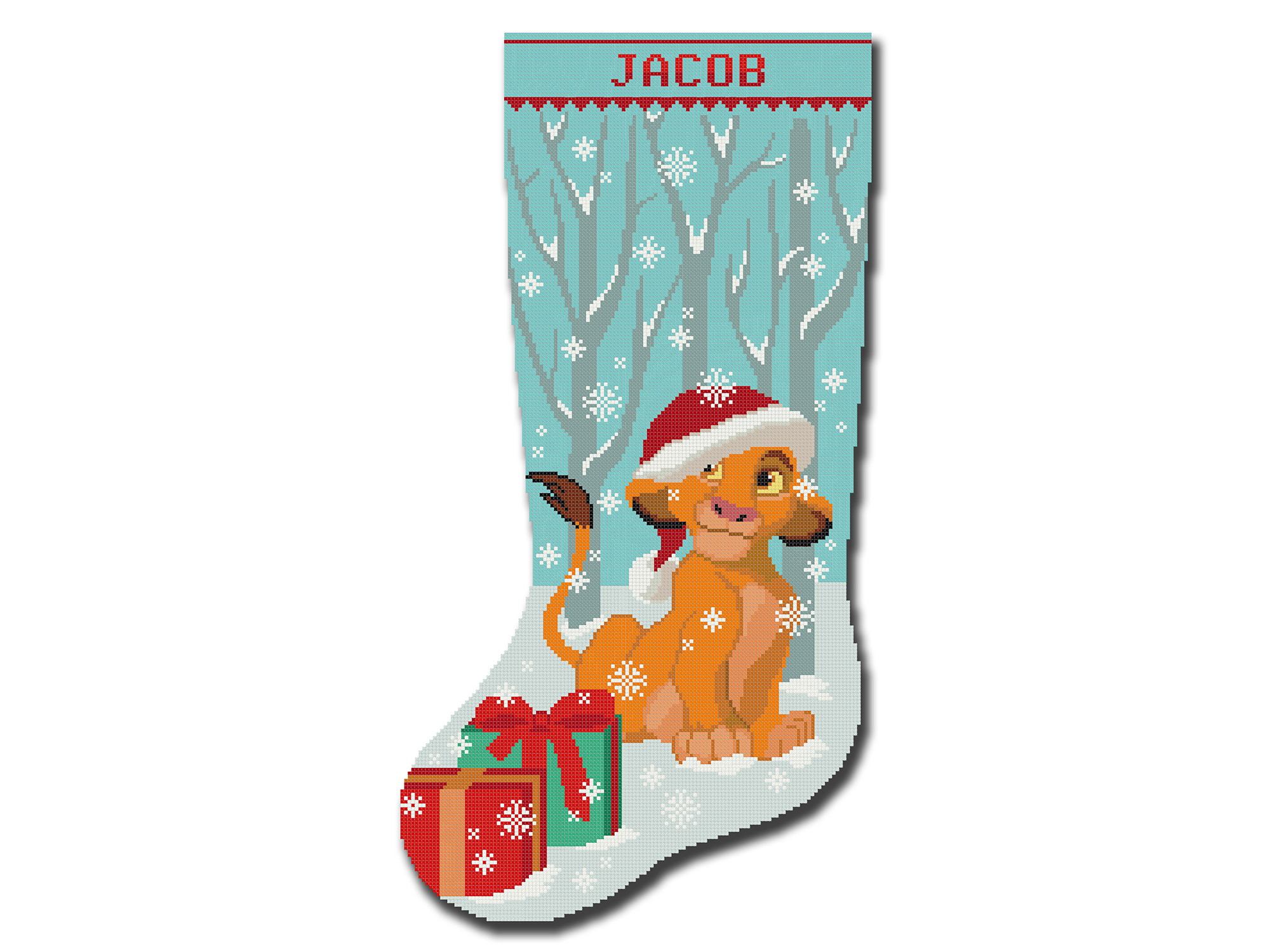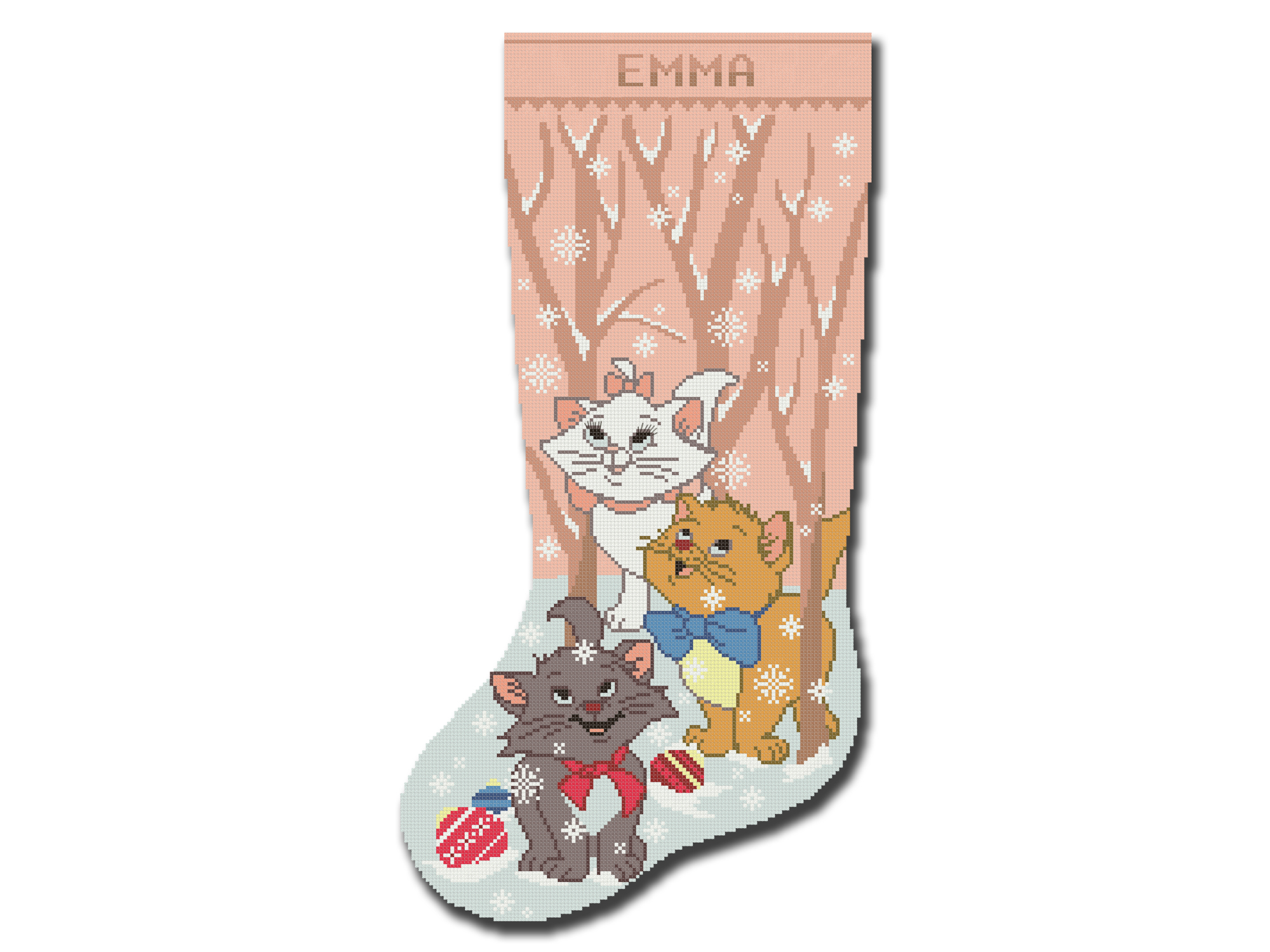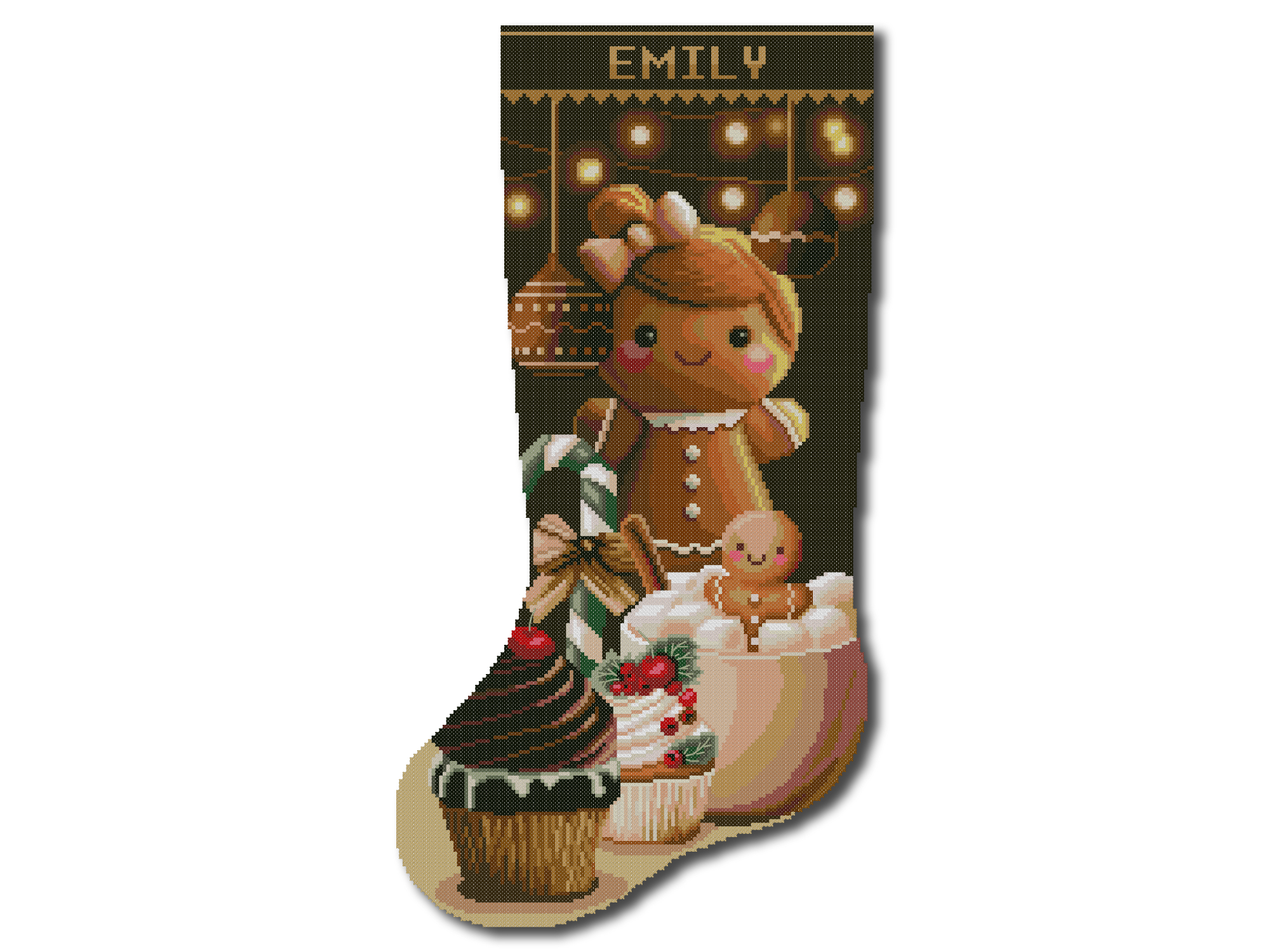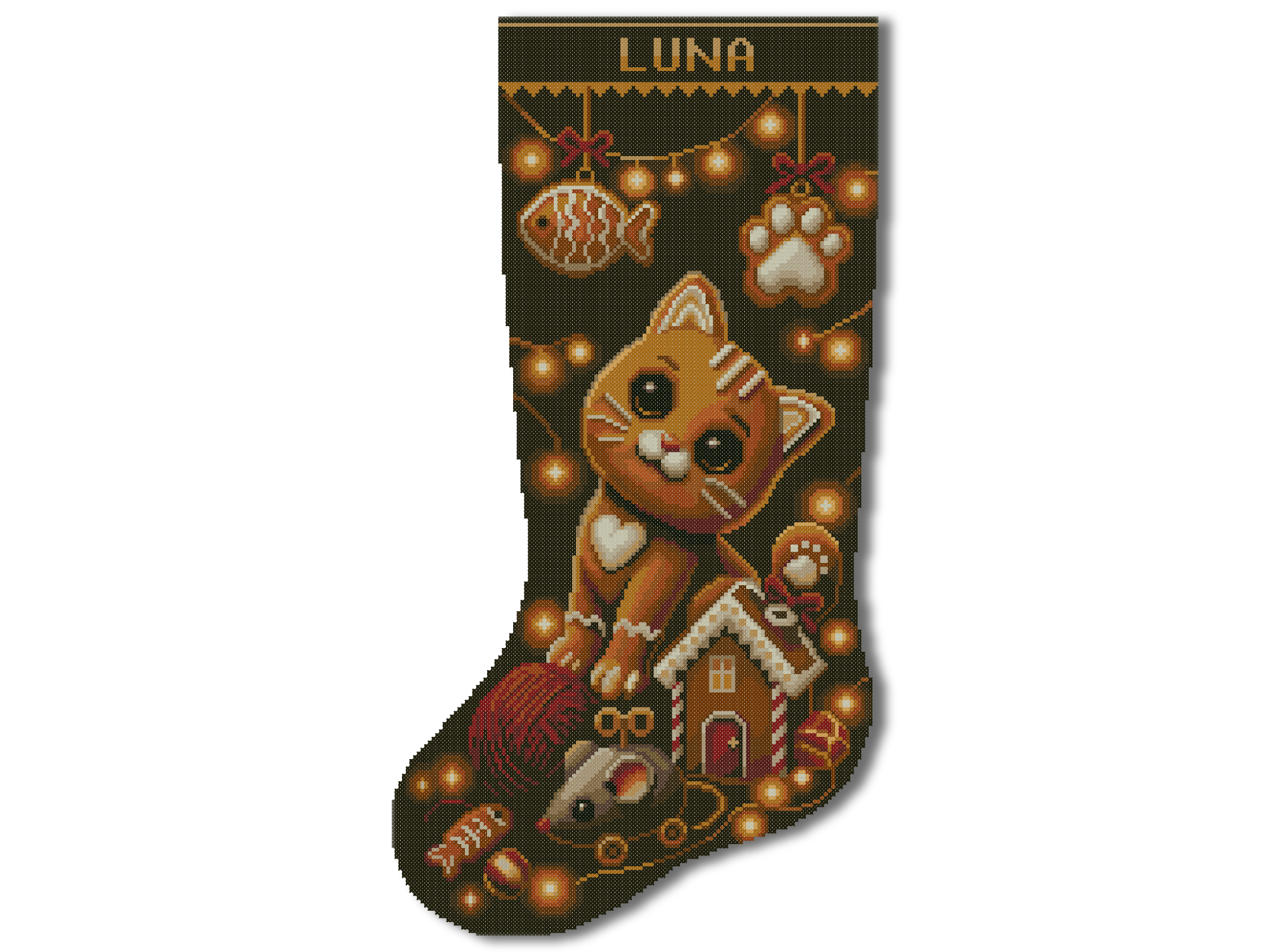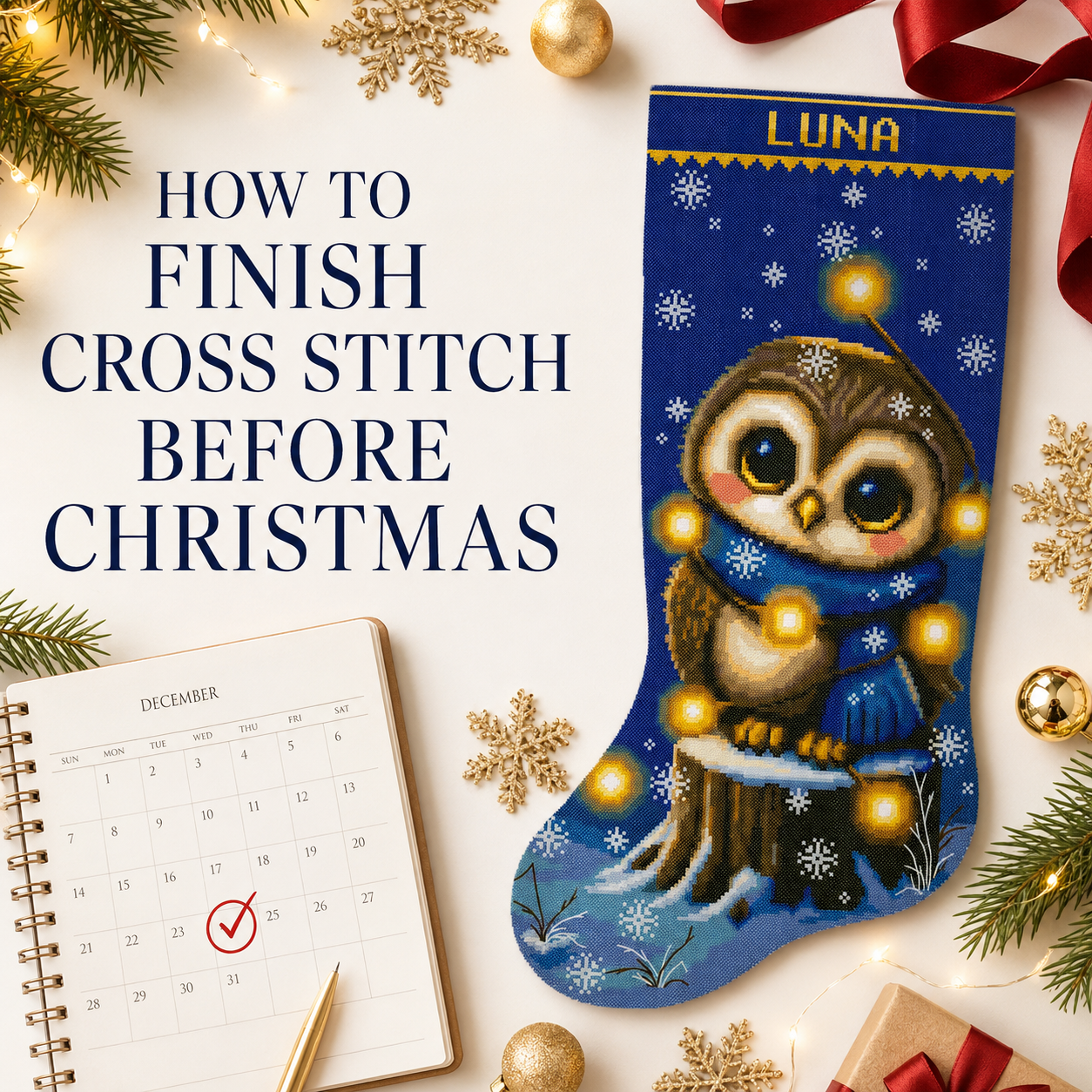
You know you’re a true stitcher when “just three more rows” quietly turns into another hour. This free Cross Stitch Time Calculator turns that familiar stitching moment into a realistic plan. Enter your stitch count and personal pace to estimate total project hours, choose a finish date, include backstitch and extra work, and download a printable schedule that helps you stay on track.
Cross Stitch Time Calculator: Quick Instructions
To estimate your project time:
- Enter the total number of full cross stitches.
- Add backstitch if the design includes it.
- Include French knots, fractional stitches or other techniques when needed.
- Choose a stitching-speed preset or enter your personal speed.
- Add the number of hours you can stitch on an active day.
- Choose how many days per week you plan to stitch.
- Select specific weekdays if you want a dated schedule.
- Add a start date and an optional target date.
- Press Calculate or Plan to Target.
- Download the printable PDF planner if you want a paper progress tracker.
The result is an estimate, not a promise. Real stitching time can change as the project becomes easier or more complex.
What Does the Cross Stitch Time Calculator Do?
The calculator combines five parts of your project:
- full cross stitches;
- backstitch;
- other or specialty stitches;
- additional fixed hours;
- your personal pace and weekly schedule.
It then shows:
- the estimated total stitching hours;
- the approximate number of calendar days;
- a projected finish date;
- the hours needed on each active day to meet a deadline;
- a dated progress plan;
- cumulative completion percentages;
- a printable PDF schedule with checkboxes.
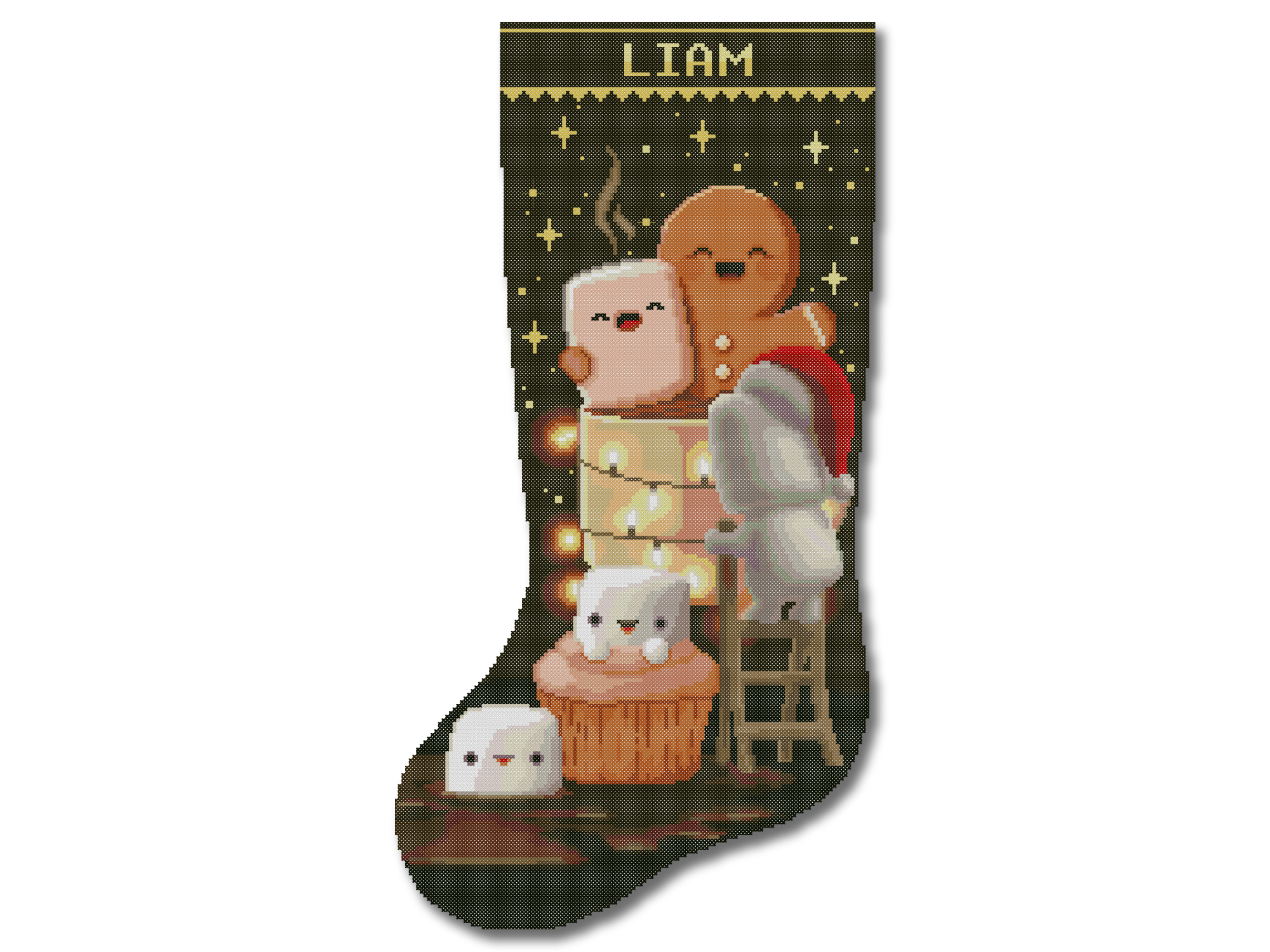
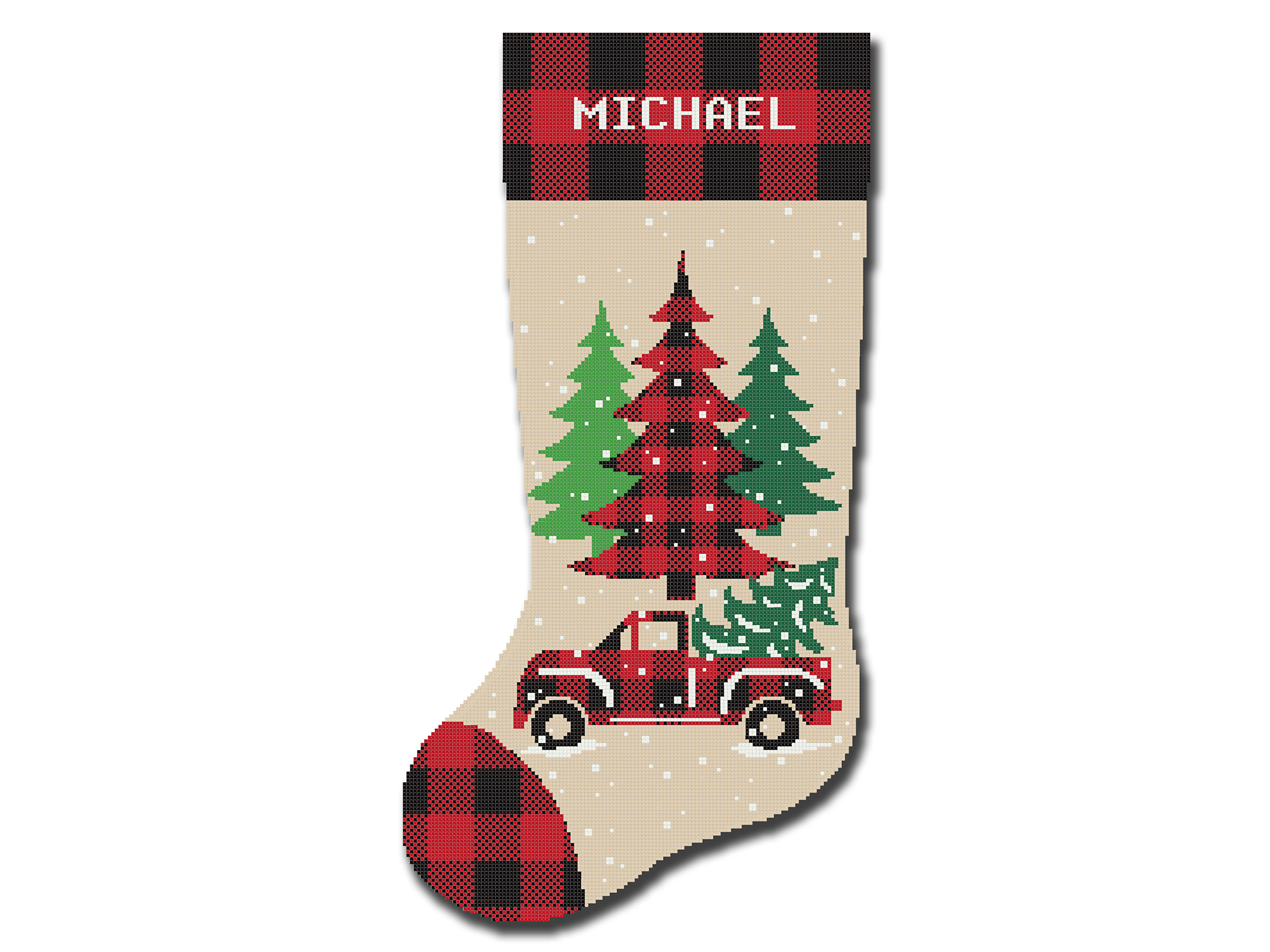
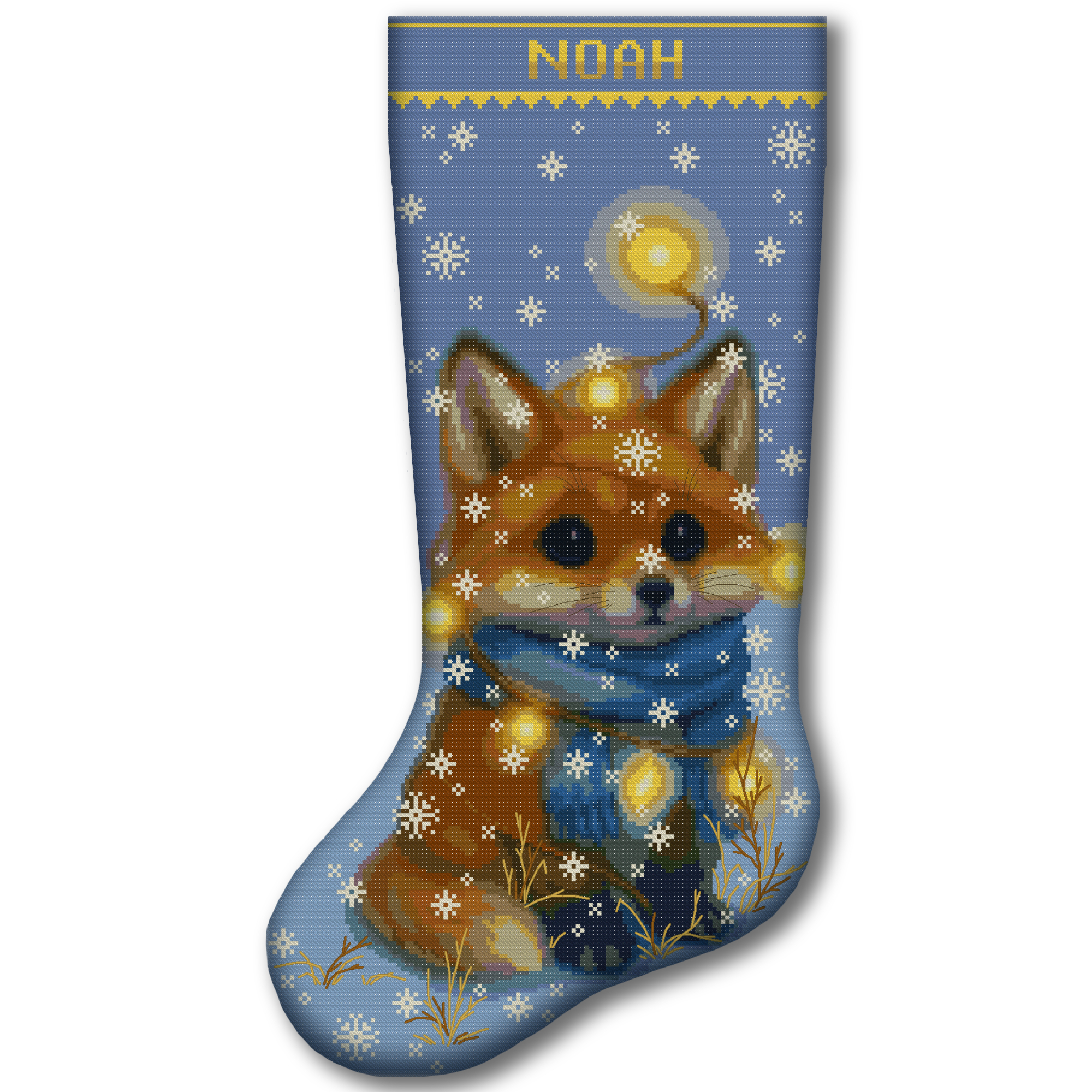
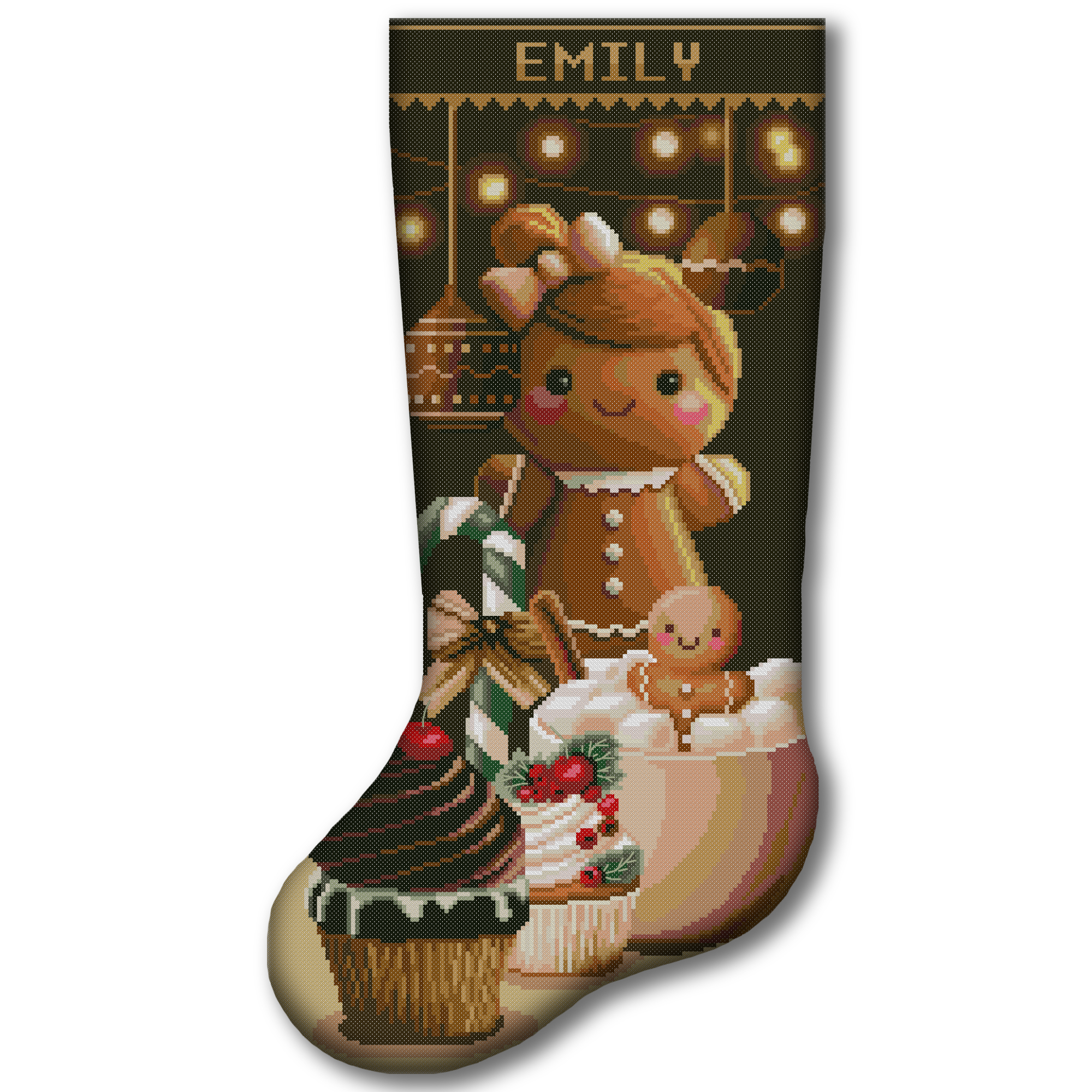
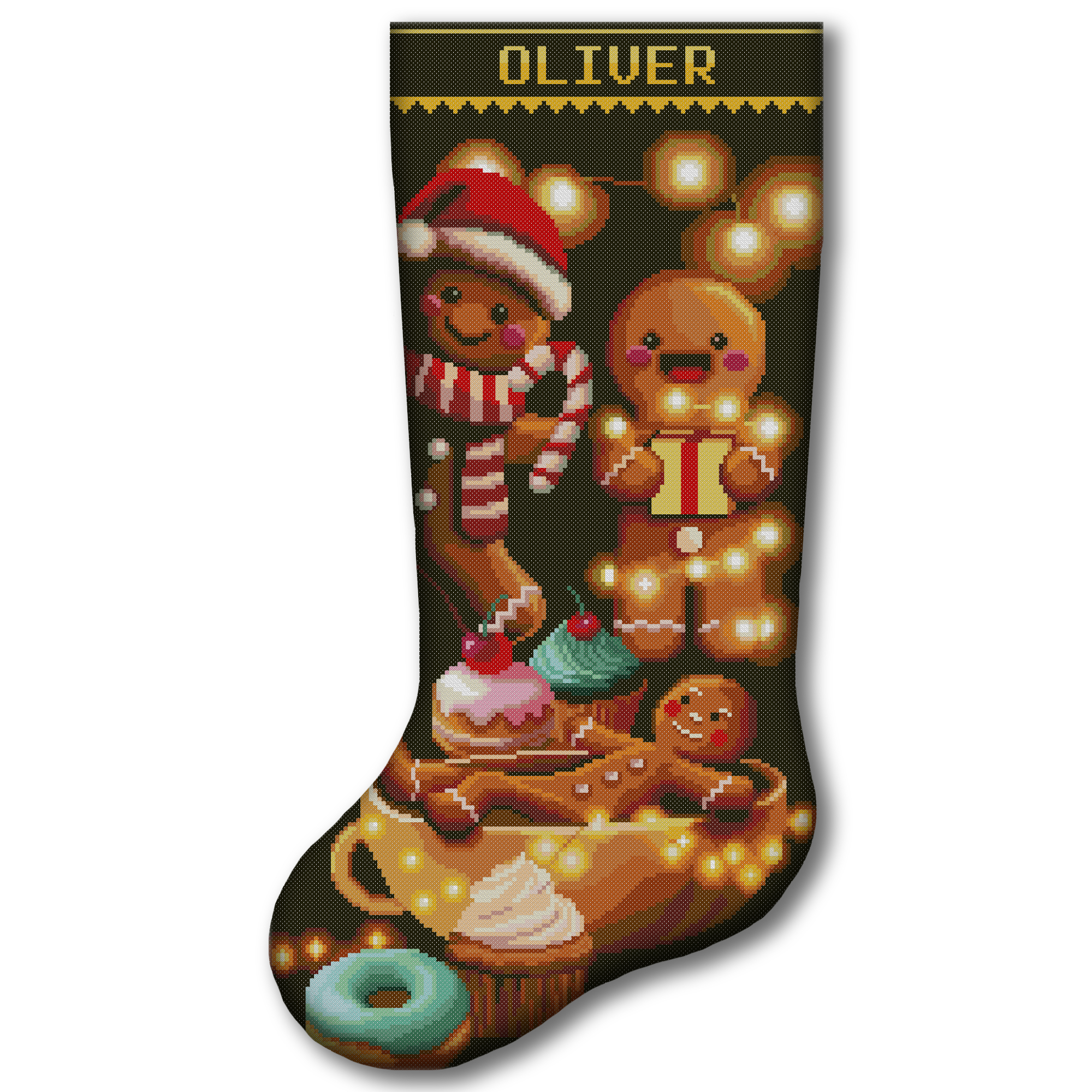
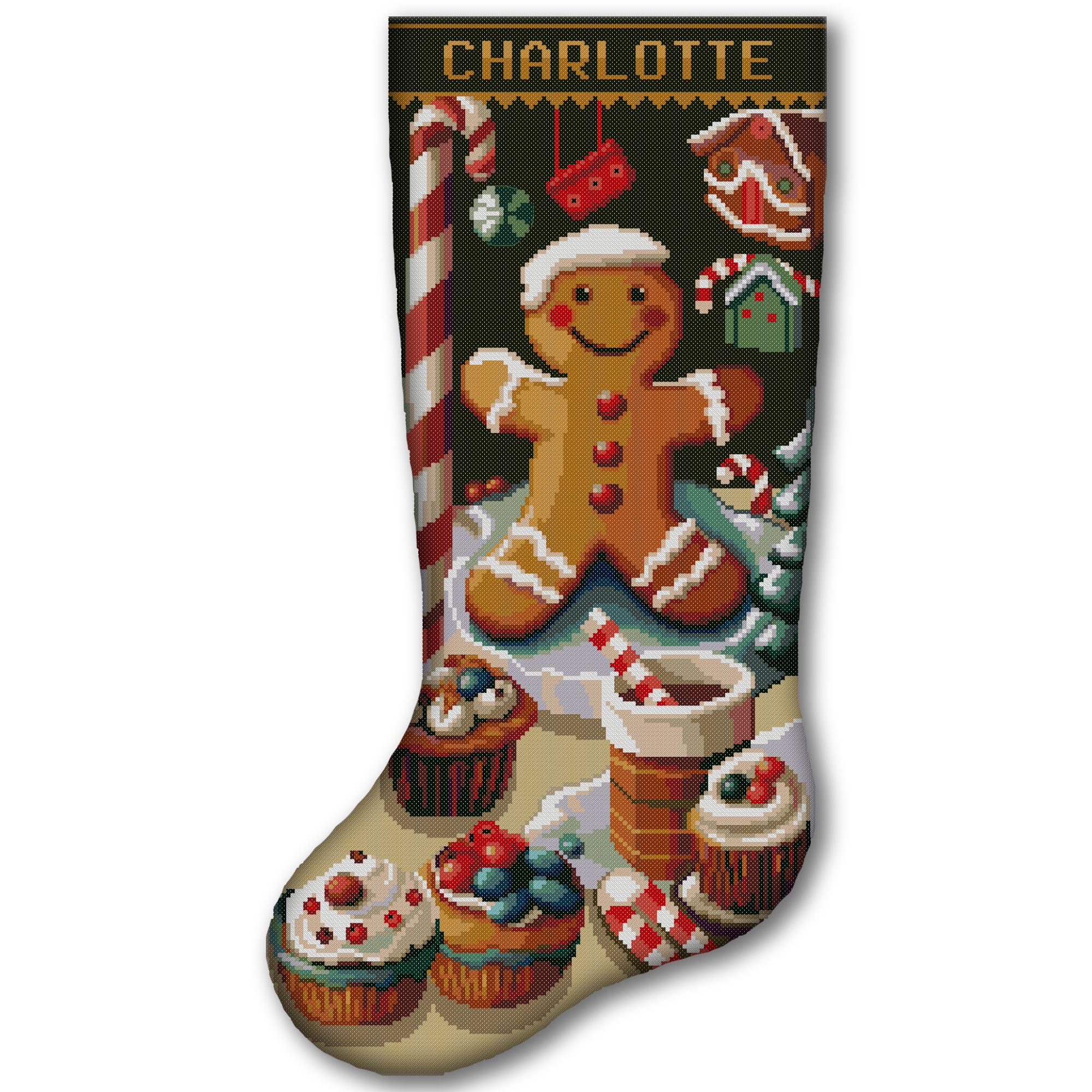
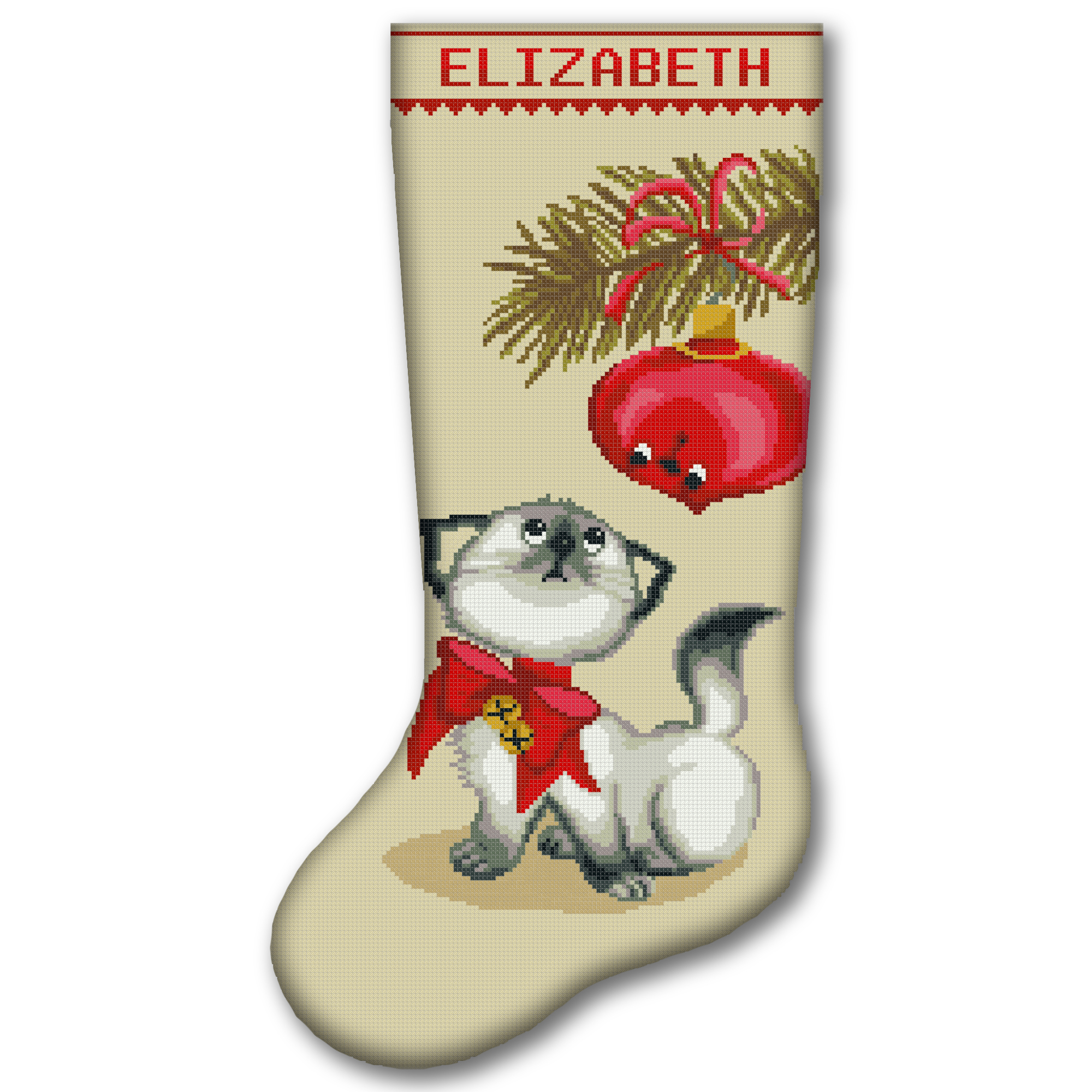
This makes the tool useful for personal projects, handmade gifts, Christmas stockings, stitch-alongs and commissioned work.
The Basic Cross Stitch Time Formula
The simplest calculation is:
Estimated hours = total full cross stitches ÷ stitches completed per hour
For example, imagine that your pattern contains 12,000 full cross stitches and you normally complete 150 stitches per hour.
12,000 ÷ 150 = 80 hours
Your estimated full-cross stitching time is approximately 80 hours. Backstitch, French knots, preparation and finishing may add more time.
The formula is simple, but the quality of the result depends on the numbers you enter. A personal speed measurement is usually more useful than a general preset.
Step 1: Enter the Total Number of Cross Stitches
Look for the total stitch count in your pattern information, PDF instructions or pattern software.
If the pattern provides a stitch count for every thread color, add all those numbers together. Enter the total in the Cross stitches field.
Do not automatically multiply the pattern width by its height unless the design is completely full coverage.
For example, a chart measuring 100 × 100 squares contains 10,000 possible positions. However, if much of the background is left unstitched, the actual number of crosses will be lower than 10,000.
For the best estimate, use the real number of stitched squares rather than the complete chart area.
Step 2: Add Your Start Date
Choose the day when you expect to begin stitching.
If you leave this field empty, the calculator starts from the current date. Adding a start date is especially helpful when:
- you are waiting for supplies;
- you plan to begin after another project;
- you are preparing a holiday gift;
- you want the PDF to show specific calendar dates.
The start date should be the first day on which you can actually work on the project.
Step 3: Add a Target Finish Date
The target date is optional. Use it when your project must be ready for:
- Christmas;
- a birthday;
- a wedding;
- a baby shower;
- a craft fair;
- a customer deadline;
- another special event.
When you press Plan to Target, the calculator compares the available stitching days with the estimated hours. It then shows approximately how many hours you need to stitch on each active day.
Always leave extra time before an important event. Washing, pressing, framing or sewing the finished embroidery may take longer than expected.
If you are making a stocking, our complete guide to cross stitching a Christmas stocking explains the complete process from preparation to finishing.
Step 4: Include Backstitch
Backstitch creates outlines, facial features, lettering and small details. It is normally faster than making the same number of full cross stitches, but it still adds time to the project.
The calculator offers several backstitch input methods.
No Backstitch
Choose this option when the pattern contains only full crosses or when you do not want to include backstitch in the estimate.
By Number of Backstitches
Use this option when your software or pattern provides an approximate backstitch count.
By Percentage of Full Cross Stitches
Use this when you do not know the exact count but can estimate how much backstitch the design contains.
For example, entering 15% for a 10,000-cross project gives the calculator an estimated backstitch equivalent based on 1,500 stitches.
By Thread Length
Use this option when you know the approximate backstitch thread length. Choose meters or yards and enter the number of strands.
The advanced backstitch values are provided for experienced users who want to adjust the conversion assumptions. Most beginners should keep the default settings.
Step 5: Add Other Stitches and Extra Time
A project may contain techniques that are not full crosses or backstitch, such as:
- half cross stitches;
- quarter and three-quarter stitches;
- French knots;
- beads;
- specialty stitches;
- couching;
- decorative details.
Enter the approximate number in the Other stitches field.
The speed multiplier tells the calculator whether those stitches are faster or slower than your ordinary full crosses.
- 1.0 means approximately the same speed as full cross stitch.
- A number below 1.0 means slower.
- A number above 1.0 means faster.
If you are unsure, use 1.0 or make a short timed test.
Use Extra fixed hours for work that is difficult to count as individual stitches, including:
- organizing thread;
- preparing and gridding fabric;
- adding a name;
- washing and pressing;
- framing;
- sewing a stocking;
- attaching embellishments.
Step 6: Choose Your Stitching Speed
The calculator includes three starting presets:
- Novice: approximately 60–100 stitches per hour;
- Typical: approximately 120–180 stitches per hour;
- Fast: approximately 200–300 stitches per hour.
These are planning ranges, not rules. Two stitchers working on the same pattern may have very different speeds.
A beginner may become faster during the project. An experienced stitcher may slow down when working on dark fabric, fine linen or an area with many isolated colors.
If you are completely new to the craft, read our step-by-step cross-stitch guide for beginners before measuring your pace.
How to Measure Your Personal Cross Stitch Speed
Your personal measurement gives the calculator a better starting point.
Follow these steps:
- Choose a normal section of your current project.
- Set a timer for 30 or 60 minutes.
- Stitch at your usual comfortable speed.
- Do not rush or choose an unusually easy section.
- Count the full crosses completed during the test.
- Convert the result to stitches per hour if you used a 30-minute test.
If you made 70 crosses in 30 minutes:
70 × 2 = 140 stitches per hour
Enter 140 in the My speed field.
For an even better result, repeat the test in two or three different sections and use the average.
What Can Change Your Stitching Speed?
Your pace is not constant. It can change even within one pattern.
Pattern Complexity
Large blocks of one color are usually faster than scattered single stitches. Frequent color changes require more time for finding symbols, threading needles and securing floss.
Fabric Color and Count
Smaller fabric holes may require more concentration. Dark fabric can also slow you down if the holes are difficult to see.
Number of Thread Colors
A design with many colors often requires more stopping and starting than a simple design with large color areas.
Specialty Stitches
Fractional stitches, French knots, beads and metallic thread can change your normal pace.
Chart Format
A clear chart is easier to follow. Very small symbols, frequent page changes or a chart that is difficult to mark may reduce your speed.
Tiredness and Interruptions
Your measured pace should represent a normal, comfortable session. Do not build a schedule based on your fastest ten minutes.
Step 7: Set Hours per Active Day
Enter the number of hours you can realistically stitch on a day when you work on the project.
Do not enter your ideal schedule if it does not fit your life. A smaller realistic plan is more useful than an ambitious plan you cannot follow.
For example:
- 30 minutes after work = 0.5 hours;
- one hour each evening = 1 hour;
- a two-hour weekend session = 2 hours.
Remember to include rest days. Cross stitch should not cause hand, shoulder or eye pain.
Step 8: Choose Days per Week or Specific Weekdays
Use Days per week for a general calendar estimate.
For a more precise dated plan, select the exact days when you normally stitch, such as:
- Monday;
- Wednesday;
- Friday;
- Sunday.
When exact weekdays are selected, the planner should place sessions only on those dates. This is the best option for a printable schedule.
If your routine changes, calculate a new plan. You are not failing by updating the schedule; you are replacing an old estimate with current information.
Calculate or Plan to Target: What Is the Difference?
Calculate
Use Calculate when you already know how many hours you can stitch per active day. The tool estimates the finish date based on your pace and schedule.
Plan to Target
Use Plan to Target when you know the deadline but do not know how many hours per day are required.
Enter both a start date and target date, select your stitching days, and press the button. The calculator shows the approximate daily commitment needed to finish on time.
If the required number is unrealistic, you have several choices:
- begin earlier;
- choose a smaller pattern;
- stitch on additional days;
- increase the project buffer;
- simplify optional details;
- choose a stamped kit if counting slows you down.
How to Read Your Results
The results section shows several different numbers.
Total Crosses
This confirms the full cross-stitch count you entered.
Total Time
This is the estimated number of active working hours, including the optional techniques and extra time you added.
Estimated Finish Date
This converts the working hours into calendar time using your selected schedule.
Hours per Active Day
When a target date is included, this number shows the approximate daily effort required on your selected stitching days.
Cumulative Progress
The planner divides the work into sessions and shows the approximate percentage you should have completed after each one.
The percentage is a guide. Some sections may contain more difficult stitches and take longer even though they cover fewer chart squares.
Download the Printable Cross Stitch Planner
First build a schedule with Calculate or Plan to Target. Then press Download PDF Plan.
Enter a valid email address in the download window and choose Download. The PDF includes:
- planned stitching dates;
- hours for each session;
- cumulative progress;
- motivational notes;
- checkboxes for completed sessions.
Print the planner or keep the PDF with your project documents. If your pace or schedule changes, return to the calculator and create a new version.
How Accurate Is a Cross Stitch Time Estimate?
A calculator can provide a useful estimate, but it cannot predict every interruption or difficult chart section.
The result becomes more useful when you:
- enter the actual stitch count;
- measure your personal speed;
- include backstitch and special techniques;
- add finishing time;
- choose realistic stitching days;
- leave a buffer before the deadline.
For an important gift or customer order, consider adding approximately 10–20% extra time to your private schedule. The best buffer depends on the complexity of the project and your other commitments.
Complete Your Cross Stitch Project Plan
Time is only one part of project preparation. Before you start, also check your fabric and thread requirements.
- Use the Cross Stitch Fabric Calculator to calculate the stitched area and cutting size.
- Use the Cross Stitch Thread Calculator to estimate how many skeins you may need.
- Use the Floss Usage Calculator to check whether the thread already in your stash is enough.
- If you sell finished embroidery, use the Cross Stitch Price Calculator to include labor time in your price.
You can find all these resources in our free cross-stitch calculators and tools collection.
Frequently Asked Questions
How Long Does Cross Stitch Take?
The time depends on the number of stitches, your speed, the pattern complexity and how often you stitch. Divide the actual stitch count by your stitches per hour, then add time for backstitch, specialty stitches and finishing.
How Many Cross Stitches Can a Beginner Complete per Hour?
The calculator uses a novice planning range of approximately 60–100 stitches per hour. A complete beginner may be slower during the first sessions. Measuring your own comfortable pace produces a more personal estimate.
How Do I Find the Total Number of Stitches in a Pattern?
Check the PDF information, thread key or pattern software. If every thread color has a stitch count, add those values together. Do not use width multiplied by height unless the pattern is full coverage.
Does the Calculator Include Backstitch?
Yes. You can add backstitch by count, percentage or thread length. The calculator converts it into an estimated amount of additional working time.
Can I Include French Knots and Fractional Stitches?
Yes. Add them under Other stitches and choose a speed multiplier. Use Extra fixed hours for preparation, washing, framing or sewing.
Can the Planner Help Me Finish Before Christmas?
Yes. Enter your start date, target date and available weekdays. The planner calculates the approximate hours required per active day. Begin early and leave additional time for finishing the project.
Is the Calculated Finish Date Guaranteed?
No. It is an estimate based on the information you enter. Your real pace may change because of pattern complexity, interruptions, tiredness or unfamiliar techniques.
Can I Download the Cross Stitch Schedule?
Yes. After creating a plan, press Download PDF Plan, enter a valid email address and download the printable schedule.
Choose Your Next Project and Start Planning
A realistic schedule makes a large design feel less overwhelming. Instead of thinking about thousands of remaining stitches, you can focus on one manageable session at a time.
Explore our digital cross-stitch patterns if you want an instantly downloadable project, or browse our cross-stitch kits when you prefer the main materials prepared together.
Choose a design, enter its stitch count in the calculator and create a plan that fits your real life. Every completed session brings the finished picture one step closer.