Free cross stitch planning tool
Cross Stitch Floss Usage Calculator
Check whether the embroidery floss in your stash is enough for one colour in your pattern. The result is an estimate for full cross stitches and includes your chosen safety allowance.
Your floss calculation
Estimate for full cross stitches only. Backstitch, fractional stitches, knots and long carries require extra floss.
Project planner
Floss shopping list
| Colour | Settings | Stash | Stitches | Needed | With allowance | Result | Actions |
|---|
Your calculations stay in this browser. No email address or account is required.
Check Your Floss Stash Before Buying More Thread
Do you have partly used skeins, bobbins or bundles of embroidery floss left from previous projects? Before buying more, use this free Cross Stitch Floss Usage Calculator to check whether the thread you already own is enough for one colour in your pattern.
Enter the length of your remaining floss, select how many strands are left in that length and add the number of full cross stitches required. The calculator will estimate:
- how many full cross stitches your stash may cover;
- how much floss the colour requires;
- whether your current thread should be enough;
- approximately how much additional floss you need to buy;
- how much thread may remain after completing the stitches.
You can calculate each colour separately, build a complete floss shopping list and download a professional PDF report.
Your calculations remain in your browser. No email address or account is required.
What Does the Cross Stitch Floss Usage Calculator Do?
This tool is designed for stitchers who already own some embroidery floss and want to know whether it is enough for a new project.
It considers:
- measurement units in meters or yards;
- fabric count;
- stitching over one or two fabric threads;
- the number of strands used for stitching;
- economical, normal or generous thread usage;
- the length of floss remaining in your stash;
- how many strands remain in that measured length;
- the number of full cross stitches required for one colour;
- your chosen safety allowance.
You can also select a floss brand and enter a colour code to create an organised project shopping list.
Supported brand options include:
- DMC;
- Anchor;
- Cosmo;
- Madeira;
- Sullivans;
- Other;
- Brand not specified.
The brand and colour code help organise the shopping list. They do not change the basic thread calculation.
Cross Stitch Floss Usage Calculator vs Thread Calculator
These two tools answer different questions.
| Tool | Question it answers |
|---|---|
| Cross Stitch Floss Usage Calculator | Is the leftover floss in my stash enough for this colour? |
| Cross Stitch Thread Calculator | How much total floss or how many skeins do I need when starting a project? |
Use the Floss Usage Calculator when you have a partly used skein, bobbin or bundle and want to compare it with the stitches required.
Use the Cross Stitch Thread Calculator when you need to calculate the complete amount of embroidery floss from the beginning.
What Information Do You Need?
Before using the calculator, prepare the following information:
- Your preferred measurement unit.
- The fabric count.
- Whether you are stitching over one or two fabric threads.
- The number of strands used for the full crosses.
- The approximate usable length of floss remaining.
- The number of strands remaining in that length.
- The number of full cross stitches required for the colour.
- Your preferred safety allowance.
The floss brand and colour code are optional for a single calculation. A colour code is required when adding the result to the shopping list.
How to Use the Cross Stitch Floss Usage Calculator
Step 1 – Choose Meters or Yards
Select the measurement system you prefer:
- Metric (m) for meters;
- US (yd) for yards.
Use the same unit you used to measure your remaining floss. The calculator will display the results in the selected unit.
If you change the unit later, the calculator converts the stored list automatically.
Step 2 – Select the Fabric Count
Choose the fabric count used for your project.
The available options include:
- 11 count;
- 14 count;
- 16 count;
- 18 count;
- 20 count;
- 22 count;
- 28 count;
- 32 count;
- 36 count;
- 40 count.
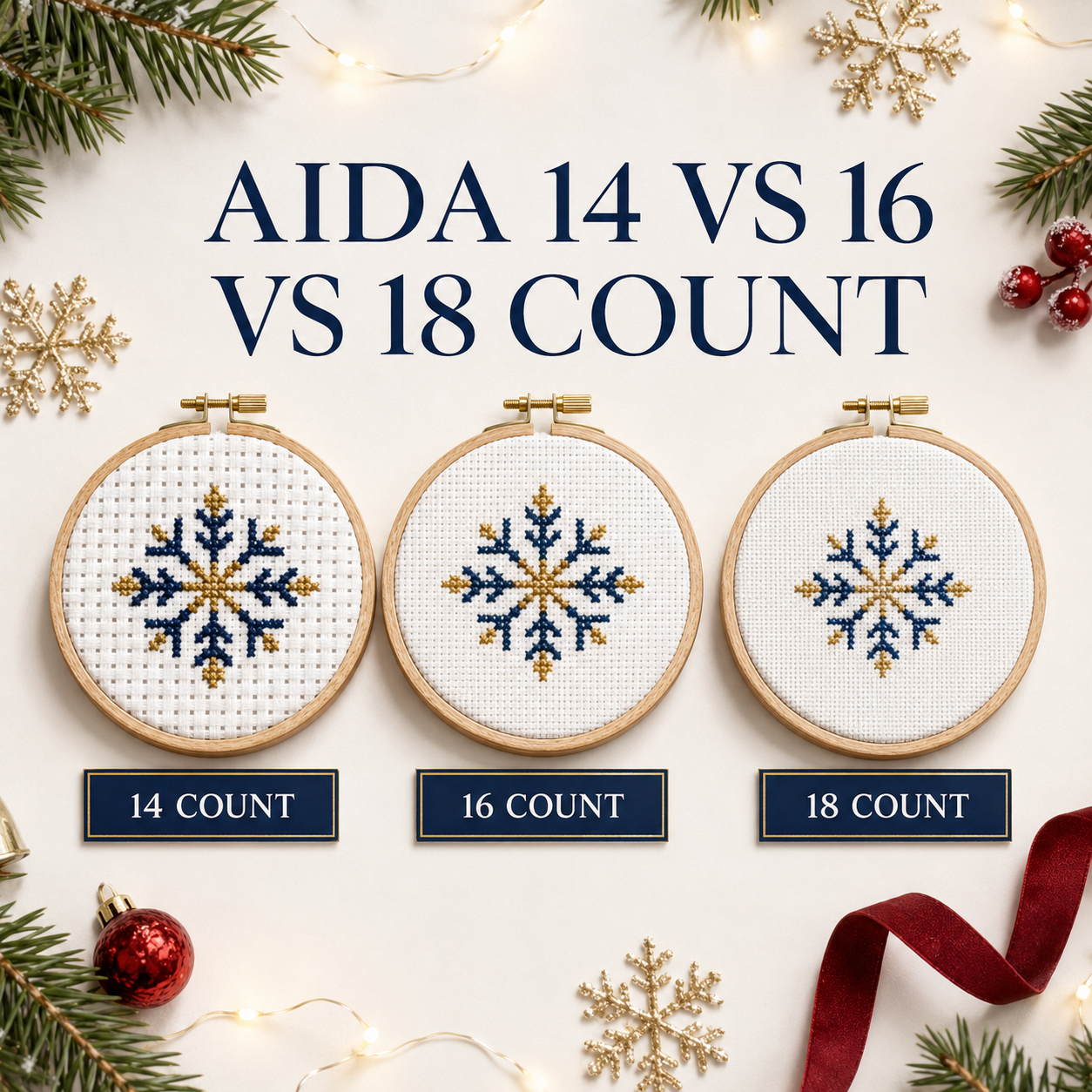
Fabric count affects thread usage because lower-count fabric creates larger stitches. Larger stitches generally require more floss.
For example, the same design will normally use more thread on 11-count Aida than on 18-count Aida.
If you are still deciding which fabric to use, calculate its finished dimensions with our free Cross Stitch Fabric Size Calculator.
Step 3 – Choose “Stitch Over”
Select how many fabric threads each cross stitch covers.
Choose:
- 1 fabric thread / Aida block for standard stitching on Aida;
- 2 fabric threads for most linen and evenweave projects stitched over two.
For example:
| Fabric setting | Approximate stitched size equivalent |
|---|---|
| 28-count evenweave over 2 | 14-count Aida |
| 32-count evenweave over 2 | 16-count Aida |
| 36-count evenweave over 2 | 18-count Aida |
| 40-count evenweave over 2 | 20-count Aida |
Selecting the correct setting is important. Choosing over one when the project is stitched over two will produce an inaccurate estimate.
Step 4 – Select the Strands Used for Stitching
Choose how many floss strands you will use to make each full cross stitch.
The calculator supports one to six strands.
On 14-count Aida, two strands are commonly used for full cross stitch, but this is not a universal rule. The correct number depends on:
- fabric count;
- desired coverage;
- floss type;
- stitch type;
- instructions provided with the pattern.
Always follow your pattern when it specifies a strand number.
If you are unsure, read our complete guide to choosing the correct number of floss strands.
Step 5 – Choose Your Stitching Style
Every stitcher uses a slightly different amount of thread.
Select the option that best describes your normal stitching habits:
- Economical — shorter thread tails, efficient starting and finishing, and limited thread travel on the back;
- Normal — suitable for most stitchers and projects;
- Generous — longer tails, more thread travel or a preference for keeping extra floss available.
Choose Normal if you are unsure.
The stitching-style setting adjusts the estimate, but it cannot measure every individual habit. The result remains an informed estimate rather than a guarantee.
Step 6 – Add the Floss Brand and Colour Code
Select the floss brand if you know it, then enter the colour code shown in your pattern.
Examples include:
- DMC 310;
- DMC 321;
- Anchor 403;
- Cosmo 600;
- Madeira 1000.
Selecting a brand is optional. The colour code is also optional when making one calculation, but it is required before adding the colour to your shopping list.
Using the correct brand and code prevents confusion between similar shades.
If you need to substitute one brand for another, use our Cross Stitch Floss Converter.
Remember that converted colours are close alternatives and may not be perfectly identical. Compare the physical floss whenever possible.
Step 7 – Enter the Remaining Floss Length
Measure the usable length of floss remaining for that colour.
Enter the length in meters or yards, depending on the unit selected at the top of the calculator.
For example:
- 2.5 meters;
- 4 meters;
- 3 yards;
- 7.5 yards.
Measure only floss that is clean, undamaged and suitable for stitching. Do not count badly frayed, faded, stained or knotted sections that you cannot use.
If the individual strands have uneven lengths, use a conservative estimate based on the shortest reliably usable amount.
Step 8 – Select How Many Strands Remain in That Length
This field describes your remaining floss—not how many strands you will use for stitching.
Standard embroidery floss normally contains six separate strands.
Choose:
6 strandsif you measured an intact six-strand skein, bobbin or bundle;5 strandsif five strands remain together;4 strandsif four remain;3 strandsif three remain;2 strandsif two remain;1 strandif only one remains.
For an intact 8-meter six-strand skein, enter:
- Remaining floss length:
8 m; - Strands remaining:
6 strands.
Do not multiply eight meters by six. The calculator accounts for the number of strands separately.
This field is important because three meters of six-strand floss contains more usable thread than three meters with only one strand remaining.
Step 9 – Enter the Full Cross Stitches for This Colour
Enter the number of full cross stitches required for the selected colour.
For example:
- DMC 310 — 850 full crosses;
- DMC 321 — 430 full crosses;
- DMC 666 — 1,250 full crosses.
You may find this information in:
- pattern-design software;
- a digital pattern report;
- a thread-usage list;
- information supplied by the pattern designer.
Not every printed chart provides a stitch total for each colour. Do not guess when an accurate count is important.
The calculator currently estimates thread for full cross stitches only.
Backstitch, half stitches, fractional stitches, French knots, beads and other techniques are not included in the full-cross calculation.
Step 10 – Add a Safety Allowance
Enter the extra percentage you would like the calculator to include.
For most ordinary projects, a safety allowance of approximately 10–20% is a useful starting point.
Extra floss can cover:
- starting and finishing tails;
- small counting mistakes;
- thread that becomes tangled or damaged;
- slightly different stitch tension;
- small amounts of thread carried across the back;
- occasional re-stitching.
Consider a larger allowance for a project containing many isolated stitches, frequent colour changes, long carries or complicated details.
The safety allowance does not automatically calculate backstitch, fractional stitches or French knots. Those techniques may require additional floss beyond the displayed result.
Step 11 – Select “Calculate Floss”
After entering all the required information, choose Calculate Floss.
The calculator will display your estimated result and show whether your current stash should be enough.
If you change an input after calculating, calculate again before adding the colour to your list.
How to Read Your Floss Calculation
The result includes four important figures.
Maximum Coverage
Maximum Coverage estimates how many full cross stitches your available floss may cover before applying the safety allowance.
This is the largest estimated coverage under the selected project settings.
Safe Coverage
Safe Coverage shows a more cautious stitch estimate after your chosen allowance is considered.
Use this number when deciding whether the available thread gives you a comfortable margin.
Floss Needed
Floss Needed is the estimated base length required for the entered number of full cross stitches.
This figure does not yet include your safety allowance.
Needed With Allowance
Needed With Allowance is the recommended total after adding the selected extra percentage.
This is the more useful number when preparing a shopping list.
Enough Floss
If the available stash should be sufficient, the result will display Enough Floss.
The calculator will also estimate how much floss may remain after completing the stitches and keeping the selected allowance.
More Floss Needed
If the stash is too small, the result will display More Floss Needed.
It will estimate how much additional floss you should purchase in meters or yards.
Add Every Colour to Your Shopping List
After calculating one colour, select Add Colour to List.
Repeat the process for every colour in your pattern.
The shopping list records:
- floss brand;
- colour code;
- project settings;
- stitching style;
- measured stash length;
- strands remaining in the stash;
- required full cross stitches;
- estimated base floss requirement;
- requirement with allowance;
- whether the available floss is enough;
- approximately how much additional floss to buy.
The list remains stored locally in the same browser. You do not need to create an account.
If you clear the browser’s stored data, change devices or use another browser, the saved list may no longer be available. Download the PDF or copy the list when you want to keep a permanent record.
Download a Professional Floss Shopping List PDF
When all colours have been added, select Download Professional PDF.
The PDF includes:
- your complete floss shopping list;
- project and fabric settings;
- stash information;
- required thread estimates;
- safety allowances;
- colours that are already sufficient;
- the approximate amount still to buy;
- CrossStitchStyleArte branding;
- helpful project links and QR codes;
- an accuracy disclaimer.
No email address or account is required.
The PDF is useful when:
- shopping at a local craft store;
- ordering floss online;
- storing supplies with a project;
- planning a large design;
- sharing the material list with another stitcher.
You can also select Copy Shopping List to paste the information into notes, a spreadsheet or a shopping application.
Use Clear List only when you are ready to remove all saved colours and begin a new project.
Cross Stitch Floss Usage Example
Imagine you need to stitch 600 full crosses in DMC 310.
You plan to use:
- 14-count Aida;
- stitching over one Aida block;
- two strands for the full cross stitches;
- normal stitching style;
- 20% safety allowance.
You measure three meters of DMC 310 and discover that only two strands remain in that length.
Enter:
| Calculator field | Example value |
|---|---|
| Units | Metric |
| Fabric count | 14 count |
| Stitch over | 1 fabric thread / Aida block |
| Strands used for stitching | 2 strands |
| Stitching style | Normal |
| Floss brand | DMC |
| Colour code | 310 |
| Remaining floss length | 3 m |
| Strands remaining | 2 strands |
| Full cross stitches | 600 |
| Safety allowance | 20% |
Select Calculate Floss.
The calculator will compare the usable thread in your stash with the estimated amount required. It will then tell you whether the three meters should be enough or approximately how much additional DMC 310 you should buy.
How Accurate Is the Floss Usage Calculator?
The result is an estimate, not a guarantee.
Actual thread usage can change because of:
- individual stitch tension;
- longer or shorter thread tails;
- the route taken across the back;
- isolated stitches;
- frequent colour changes;
- mistakes and re-stitching;
- knots and tangles;
- thread that becomes frayed;
- differences in floss thickness;
- partial and specialty stitches.
For the most reliable result:
- Choose the correct fabric count.
- Select
over 1orover 2correctly. - Enter the real number of stitching strands.
- Measure only usable remaining floss.
- Select the correct number of strands remaining.
- Enter an accurate full-cross stitch count.
- Use a realistic safety allowance.
- Treat the final number as a planning estimate.
If your pattern contains extensive backstitch, fractional stitches, French knots or long carries, allow additional floss.
Who Is This Calculator For?
The tool is useful for:
- complete beginners;
- experienced cross stitchers;
- pattern designers;
- people with large floss collections;
- stitchers planning full-coverage projects;
- anyone using leftover floss;
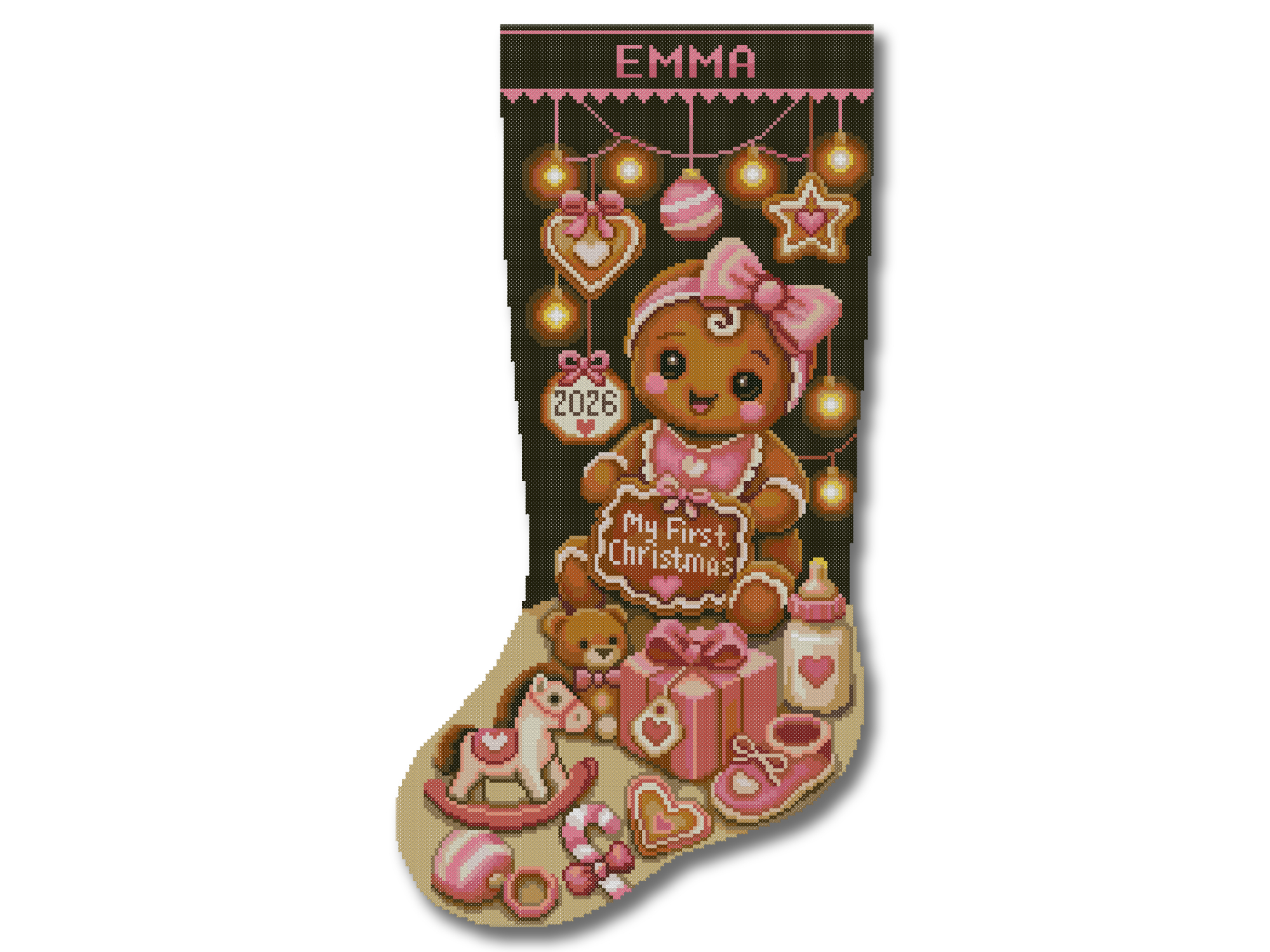
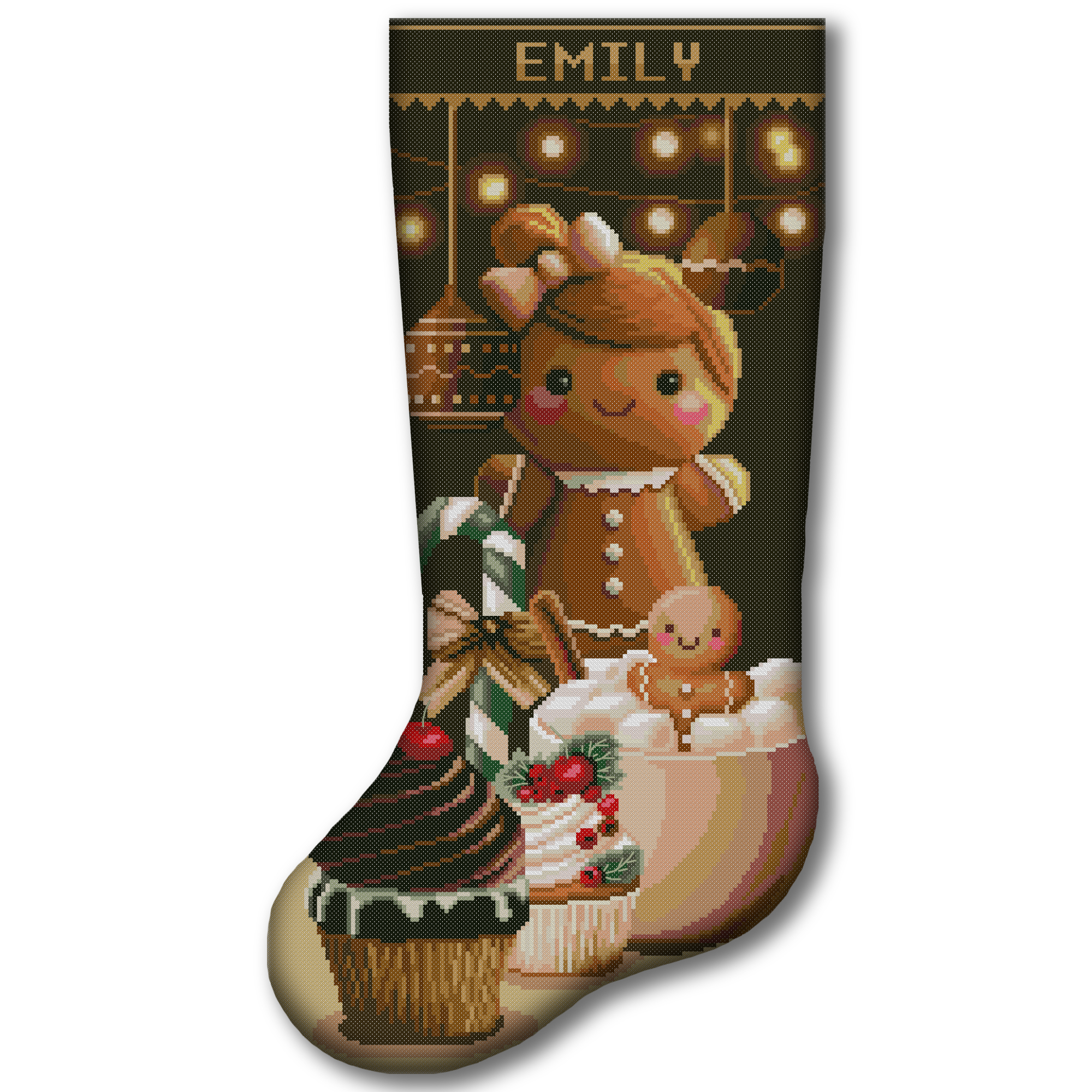
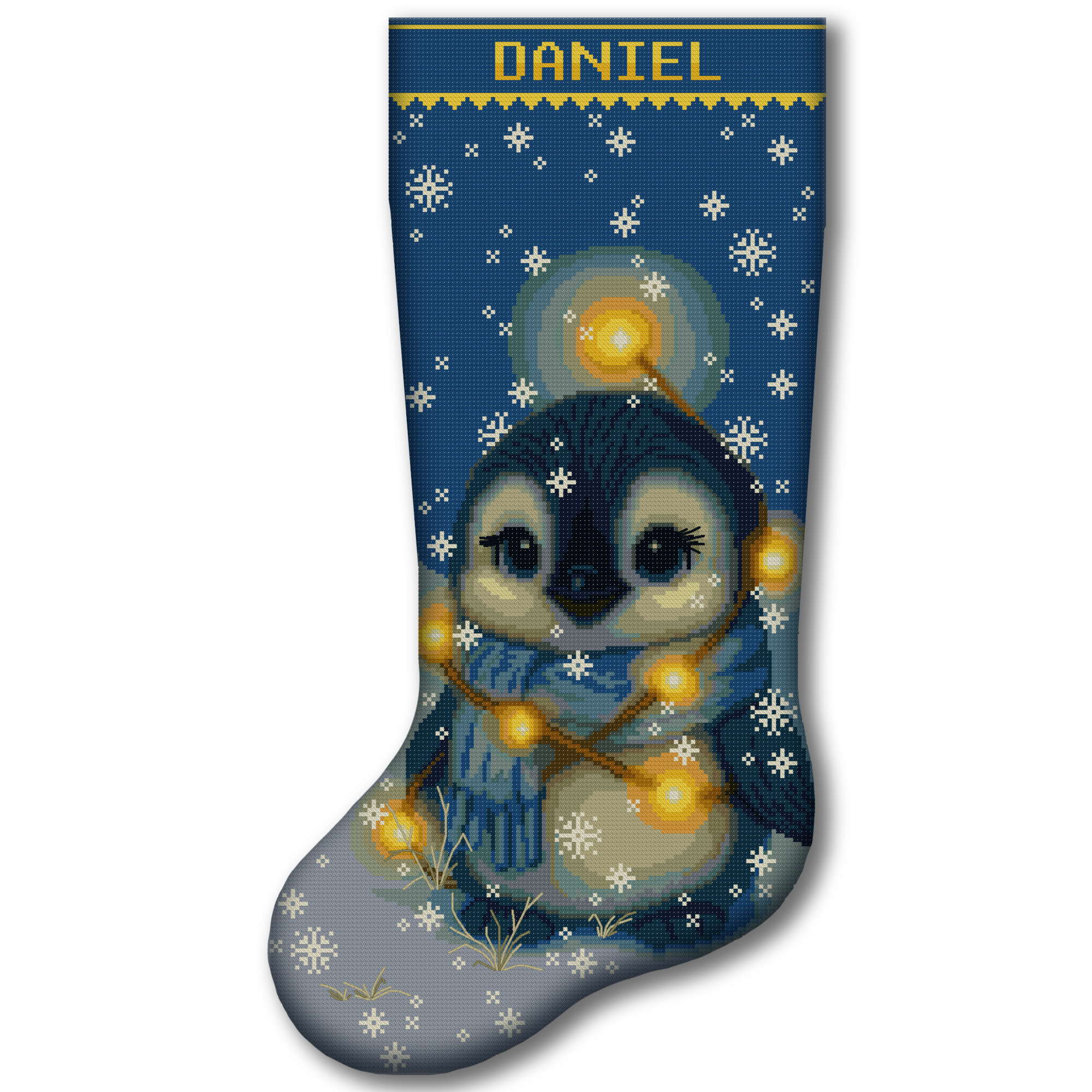
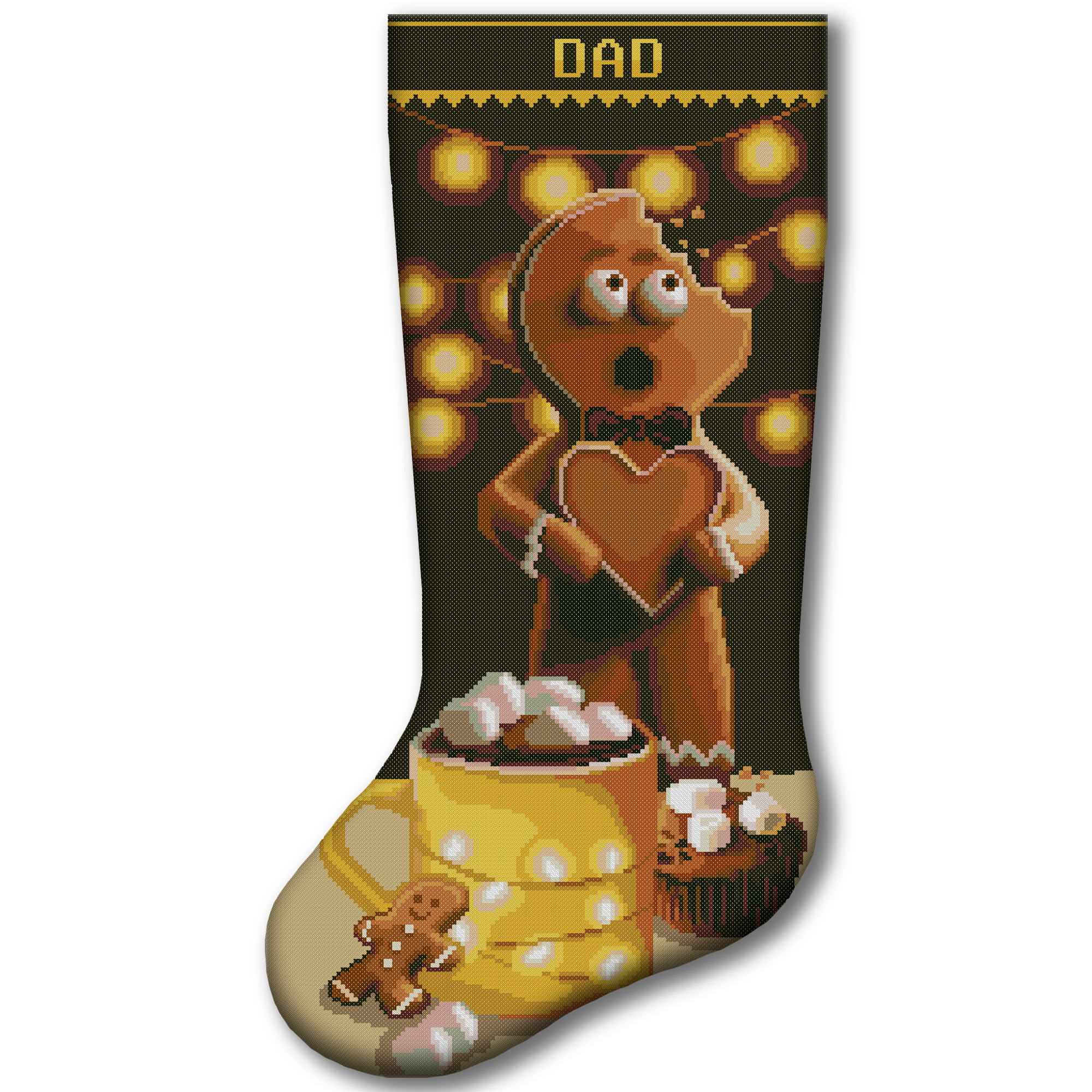
- people creating personalised Christmas stockings;
- Etsy and handmade sellers;
- stitchers preparing several family projects.
It works for small designs with one or two colours as well as large patterns containing many different shades.
Helpful Cross Stitch Planning Tools
Cross Stitch Thread Calculator
Use the Cross Stitch Thread Calculator when you want to estimate the total thread or number of skeins required from the beginning.
Cross Stitch Fabric Size Calculator
Use the Cross Stitch Fabric Size Calculator to calculate the stitched dimensions and total fabric size with margins.
Cross Stitch Floss Converter
Use the Cross Stitch Floss Converter to find close alternatives between DMC, Anchor, Cosmo, Madeira and Sullivans.
Cross Stitch Time Calculator
Use the Cross Stitch Time Calculator and Project Planner to estimate your stitching hours and plan a completion date.
Helpful Guides for Beginners
New to cross stitch? Start with our complete beginner cross stitch guide.
It explains how to:
- choose fabric and floss;
- read a cross stitch chart;
- separate embroidery floss;
- thread the needle;
- start and finish a thread;
- make full cross stitches;
- add backstitch;
- correct mistakes;
- care for the finished project.
You can also read our guide to choosing the correct number of floss strands before calculating your project.
Find Your Next Cross Stitch Project
Once your supplies are organised, choose a design you will enjoy stitching.
Browse our digital cross stitch patterns if you prefer to select your own fabric and floss.
Digital patterns include the information needed to prepare your project, such as charts, thread colours and finished dimensions.
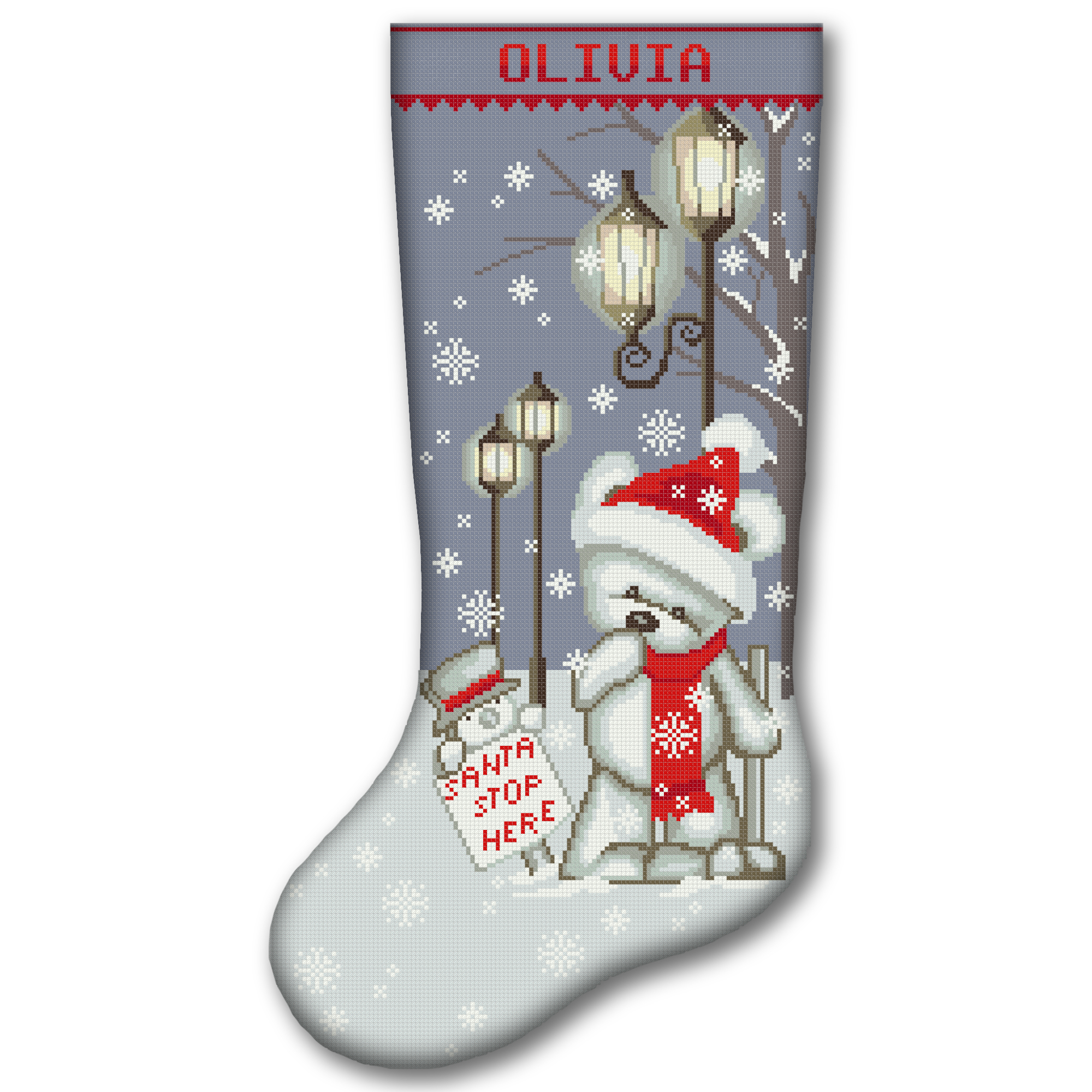
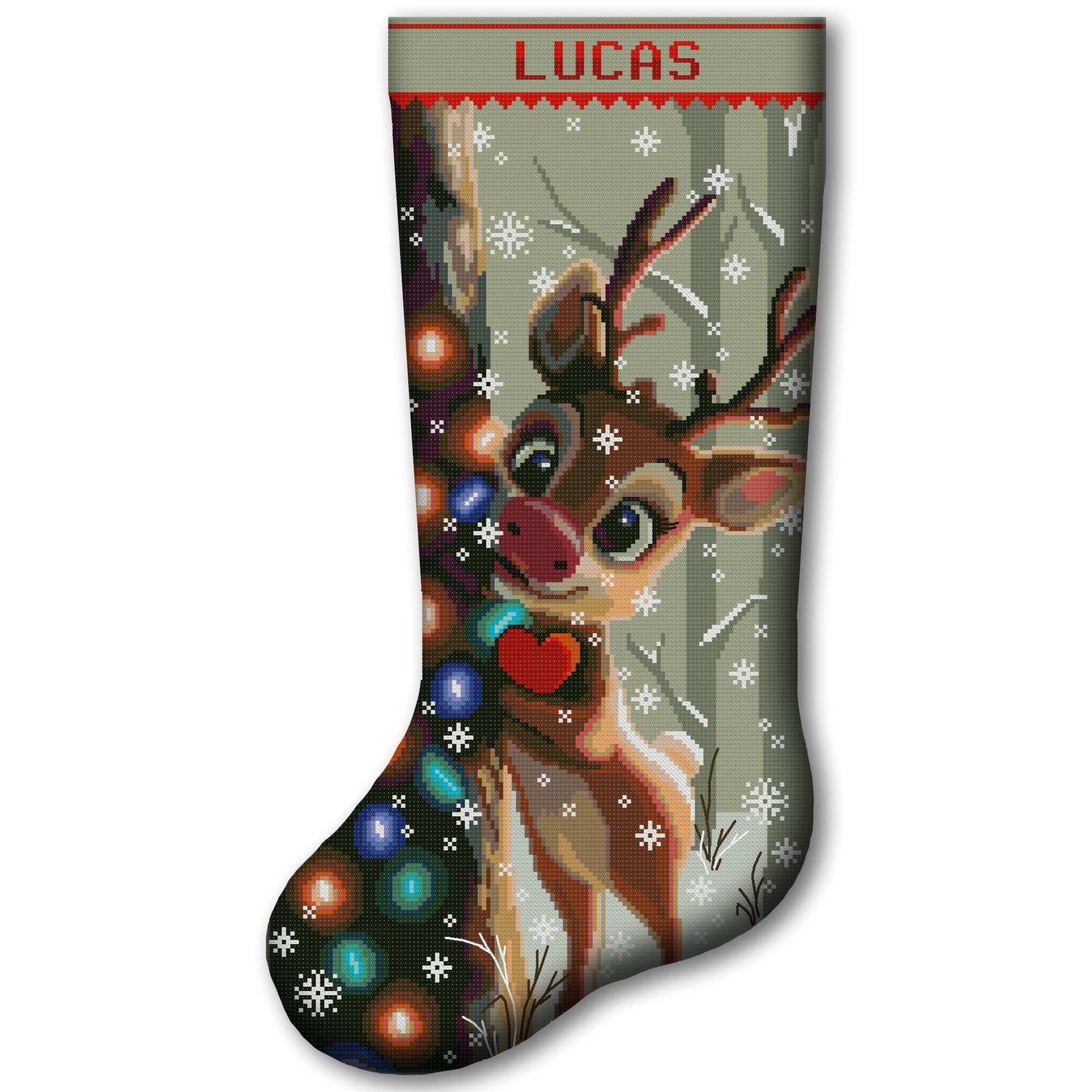
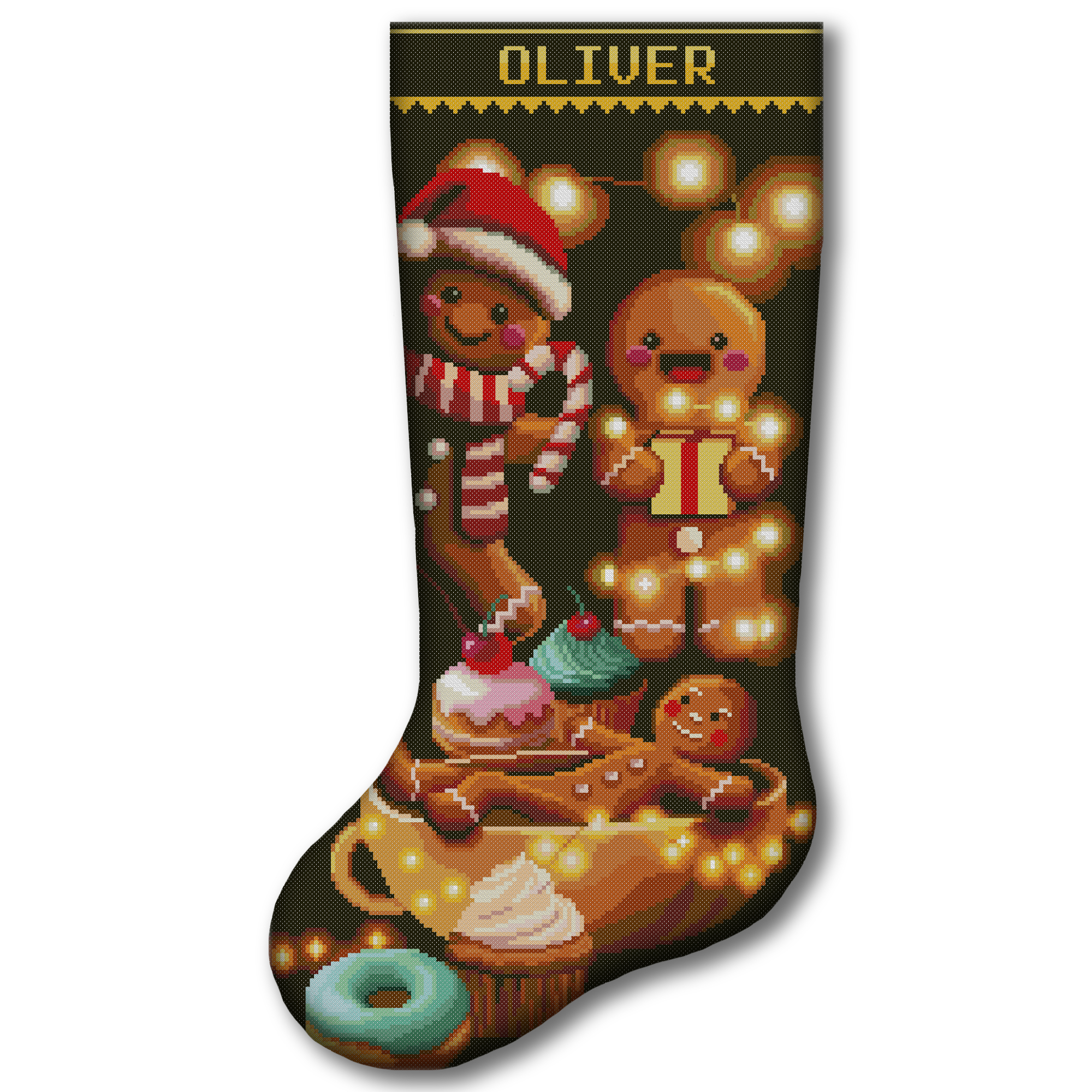
If you prefer to receive the main materials together, explore our stamped and 2-in-1 Christmas stocking cross stitch kits.
A stamped kit provides the design directly on the fabric. A 2-in-1 kit allows you to choose between printed and blank 14-count Aida for the same stocking design.
Frequently Asked Questions
Is the floss brand required?
No. You can calculate floss usage without selecting a brand.
The brand and colour code are primarily used to organise the shopping list and PDF.
Can I enter a complete six-strand skein?
Yes. Enter its usable length and select 6 strands — full floss bundle.
For an intact 8-meter skein, enter eight meters and six remaining strands. Do not enter 48 meters.
What if I do not know the exact remaining length?
Measure the floss as closely as possible. If it is difficult to measure, use a conservative estimate.
A rough estimate may help with planning, but a more accurate measurement produces a more reliable result.
Does the calculator include backstitch?
No. The calculation is for full cross stitches.
Backstitch, fractional stitches, French knots, long carries and other details may require additional floss.
Can I use the calculator for linen or evenweave?
Yes. Select the correct fabric count and choose 2 fabric threads when stitching over two.
For example, 28-count evenweave over two produces a stitch size similar to 14-count Aida.
How much safety allowance should I add?
An allowance of approximately 10–20% is suitable for many ordinary projects.
Consider a larger allowance for frequent colour changes, long carries, complicated designs, uncertain measurements or extensive re-stitching.
Can I calculate several colours?
Yes. Calculate one colour, add it to the list and repeat for every colour in the pattern.
Does the calculator show how many skeins to buy?
The Floss Usage Calculator shows the approximate additional length required.
Use the separate Cross Stitch Thread Calculator when you need a complete skein estimate.
Do I need to enter an email address?
No. No email address or account is required to calculate, create the list, copy it or download the professional PDF.
Is my shopping list saved?
The list is stored locally in the browser you are using.
Download the PDF or copy the list before clearing browser data, changing devices or beginning a new project.
Plan Your Floss with Confidence
A few minutes of planning can prevent duplicate purchases, unnecessary waste and the frustration of running out of a colour in the middle of a project.
Use the Cross Stitch Floss Usage Calculator one colour at a time, build your complete shopping list and download the professional PDF before buying supplies.
With the right fabric settings, strand information, stitch totals and safety allowance, you can begin your next cross stitch project with a clearer plan and greater confidence.