Cross-Stitch Stocking Name Centering Calculator
How to Use the Cross-Stitch Name and Phrase Centering Calculator
Learning how to center a name on a cross-stitch Christmas stocking can save you from having to remove stitches and begin again. Even a difference of one or two stitches may make a finished name look uneven.
This free cross-stitch name centering calculator shows where your name, family surname, or short phrase should begin and end. It calculates the complete text width, letter spacing, word spacing, and the empty stitches required on both sides of the stocking cuff.
You can use it for:
- One name, such as EMMA
- Two names, such as EMMA & LIAM
- Two names with the word AND, such as EMMA AND LIAM
- A family name, such as THE THOMSONS
- A short Christmas phrase
- Letters A–Z, numbers 0–9, spaces, and the & symbol
If this is your first stocking project, begin with our complete beginner’s guide to cross-stitching a Christmas stocking. You can also explore all our tutorials, personalization advice, finishing instructions, and planning resources in the Christmas Stocking Cross Stitch Guides hub.
What Does the Cross-Stitch Name Centering Calculator Do?
The calculator uses the measurements you enter to show:
- The total width of the name or phrase in stitches
- The number of blank stitches required on the left
- The number of blank stitches required on the right
- The exact stitch where the text should start
- The exact stitch where the text should end
- A visual preview of the letters, symbols, and spaces
- A warning if the text is too wide for the stocking cuff
You can save the finished preview as a PNG image or print it and keep it beside your cross-stitch project.
Important: Check Your Cross-Stitch Alphabet Before Calculating
The calculator contains preset letter widths for the standard CrossStitchStyleArte personalization alphabet used with many of our Christmas stocking designs.
However, not every cross-stitch alphabet is the same.
Some CrossStitchStyleArte patterns use a different alphabet style or size. Patterns from other designers may also have wider or narrower letters. For example, the letter M may be 9 stitches wide in one alphabet and 11 stitches wide in another.
For an accurate calculation, always check the alphabet included with the exact Christmas stocking pattern you are stitching.
You do not need to measure every letter in the complete alphabet. Check only the letters, numbers, and symbols used in your chosen name or phrase.
If a width is different, enter the correct number manually in the Alphabet & Symbol Widths section before calculating.
If you are working from a downloadable PDF design, our guide explaining how digital Christmas stocking cross-stitch patterns work will help you understand the charts, alphabet, materials, and files included with the pattern.
How to Measure the Width of a Cross-Stitch Letter
Follow these simple steps:
- Find the letter on the alphabet chart included with your pattern.
- Find the first stitched column on the left side of the letter.
- Count every grid square across to the last stitched column on the right.
- Include all the columns inside the letter.
- Do not include the empty space after the letter. Letter spacing is entered separately.
- Enter the number in the calculator box for that letter.
Use the same method to measure a number or the & symbol. The adjustable width for the & symbol is located at the end of the alphabet grid.
For example, if the letter M covers 9 grid squares from its first stitched column to its last stitched column, its width is 9 stitches.
Step 1: Enter the Cuff Width in Stitches
In the Cuff width field, enter the total number of usable stitches across the area where the name or phrase will be placed.
Count the available grid squares from the left edge of the personalization area to the right edge.
Enter the width in stitches, not inches or centimeters.
For example, if the usable cuff area is 120 stitches wide, enter:
120
If you are preparing a digital pattern and need to calculate the complete finished design or fabric dimensions, use our free Cross Stitch Fabric Size Calculator.
Step 2: Enter a Name or Phrase
Type the text you want to place on the Christmas stocking.
Examples:
- EMMA
- EMMA & LIAM
- EMMA AND LIAM
- THE THOMSONS
- OUR FIRST CHRISTMAS
The calculator automatically changes lowercase letters to uppercase.
You may use:
- Letters A–Z
- Numbers 0–9
- Spaces
- The & symbol
Every space you type is counted as a space between words.
Step 3: Enter the Letter Spacing
Letter spacing is the number of blank stitches placed between letters or symbols inside the same word.
For example, if you enter 2, the calculator will leave two blank stitch columns between the letters in EMMA.
A letter spacing of 1–3 stitches often creates a clear and readable result. However, the correct spacing depends on the alphabet style, letter size, and available cuff width.
Step 4: Enter the Word Spacing
Word spacing is the number of blank stitches placed wherever you type a space between words.
Word spacing should normally be wider than letter spacing so that separate words are easy to read.
For example:
EMMA & LIAM
contains two typed spaces:
- One space between EMMA and &
- One space between & and LIAM
The calculator will add your chosen word spacing twice.
You can begin with 4–6 stitches and adjust the number if the preview looks too narrow or too wide.
Step 5: Check and Adjust the Letter Widths
Open the Alphabet & Symbol Widths section.
The boxes already contain the measurements for the standard CrossStitchStyleArte stocking alphabet. Compare these numbers with the alphabet supplied with your exact pattern.
If a letter has a different width:
- Click or tap the number box for that letter.
- Enter the correct width in stitches.
- Repeat this for every different letter, number, or & symbol used in your text.
- Click Apply widths.
Do not change a letter width simply to make a phrase fit. The number must match the real width of that character on your cross-stitch chart.
Step 6: Click Calculate & Preview
After entering all the information, click Calculate & Preview.
The calculator will display:
- Name or phrase: the text you entered
- Text width: the complete width of all letters, symbols, and spaces
- Left padding: the empty stitches before the text
- Right padding: the empty stitches after the text
- Start at stitch: the first stitch position for the text
- End at stitch: the final stitch position for the text
Count the Start at stitch position from the left edge of the usable cuff area. The first available stitch is stitch number 1.
The preview below the result shows every letter or symbol as a dark block. The white areas show the letter spacing, word spacing, and empty space on both sides.
Cross-Stitch Name Centering Example
Imagine that your Christmas stocking cuff is 120 stitches wide and you want to stitch:
EMMA & LIAM
Using the preset CrossStitchStyleArte alphabet widths with:
- Cuff width: 120 stitches
- Letter spacing: 2 stitches
- Word spacing: 5 stitches
The calculator gives this result:
- Text width: 90 stitches
- Left padding: 15 stitches
- Right padding: 15 stitches
- Start at stitch: 16
- End at stitch: 105
This places the complete phrase in the center of the stocking cuff.
What If the Name or Phrase Is Too Wide?
If the text does not fit inside the available cuff area, the calculator will show how many stitches are missing.
First, check that you entered:
- The correct cuff width
- The real width of every letter
- The correct width of the & symbol
- The intended letter spacing
- The intended word spacing
If all measurements are correct, you can:
- Reduce the letter spacing
- Reduce the word spacing
- Use a shorter phrase
- Choose a smaller or narrower cross-stitch alphabet
- Use a larger personalization area if the pattern allows it
Do not enter false letter widths just to remove the warning. Incorrect measurements will make the finished text off-center.
Save or Print Your Cross-Stitch Centering Guide
When you are happy with the result, select:
- Save PNG to download the visual preview as an image
- Print to print the preview and keep it beside your project
Before stitching the first letter, check the cuff width, letter widths, letter spacing, and word spacing one final time.
Plan the Rest of Your Christmas Stocking Project
Correctly centering the name is only one part of creating a personalized cross-stitch Christmas stocking. These free tools can help you prepare the rest of the project:
- Use the Cross Stitch Thread Calculator to estimate how many meters or skeins of embroidery floss your design requires.
- Use the Cross Stitch Time Calculator and Planner to estimate your stitching hours and plan a realistic completion date.
- Use the Cross Stitch Fabric Size Calculator to calculate the finished design size and required fabric dimensions.
- Visit our Free Cross-Stitch Calculators and Tools page to find all our planning, fabric, floss, color-conversion, pricing, and stitching tools in one place.
If you are completely new to the craft, follow our tutorial showing how to start cross-stitching in 10 beginner-friendly steps.
After completing the embroidery and personalization, use our detailed guide to finish your cross-stitch Christmas stocking and turn it into a real stocking.
Choose Your Next Personalized Christmas Stocking Project
Need a design to use with the calculator?
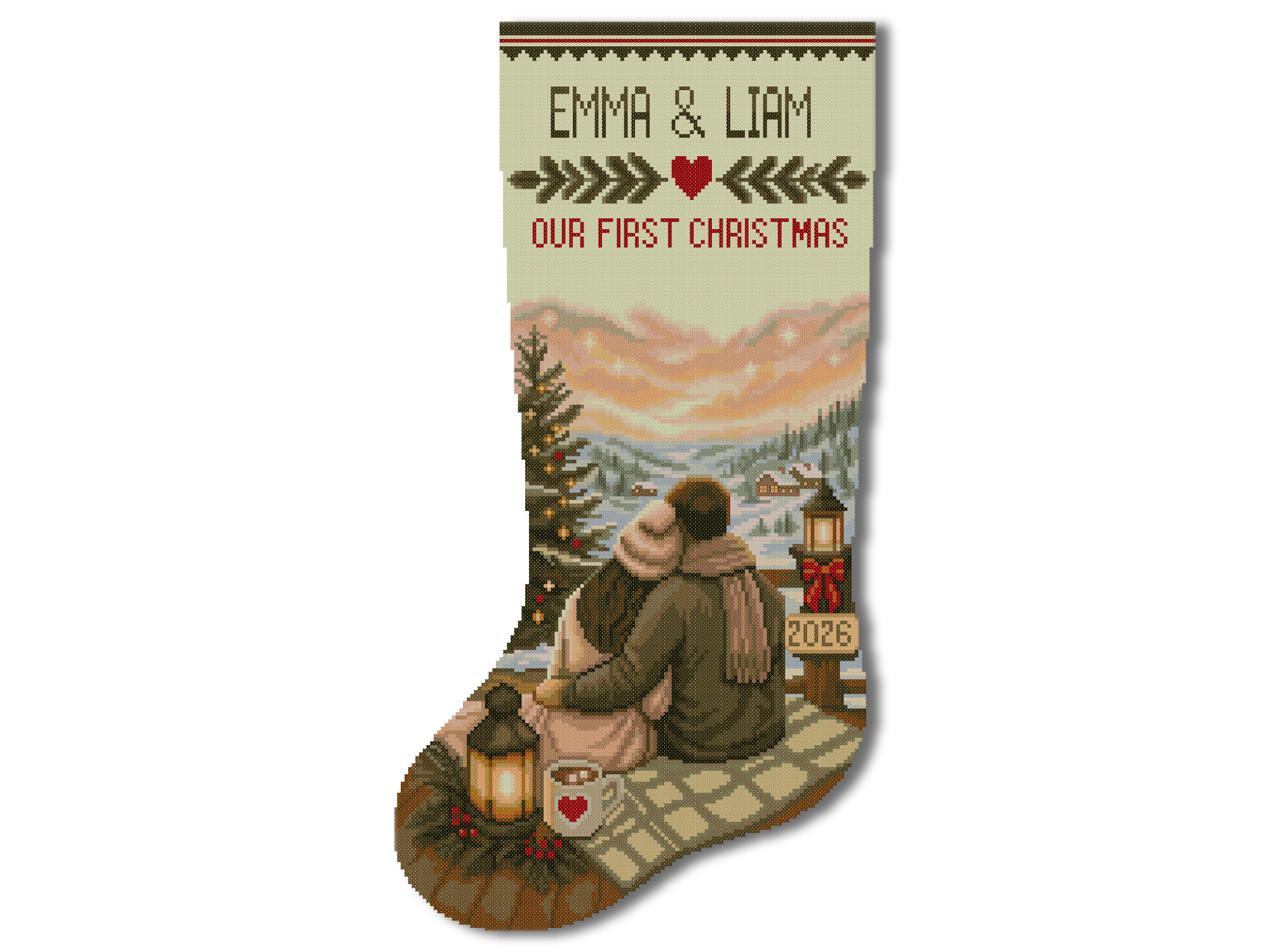
- Explore our digital Christmas stocking cross-stitch patterns for instant-download PDF charts that you can stitch with your own fabric and floss.


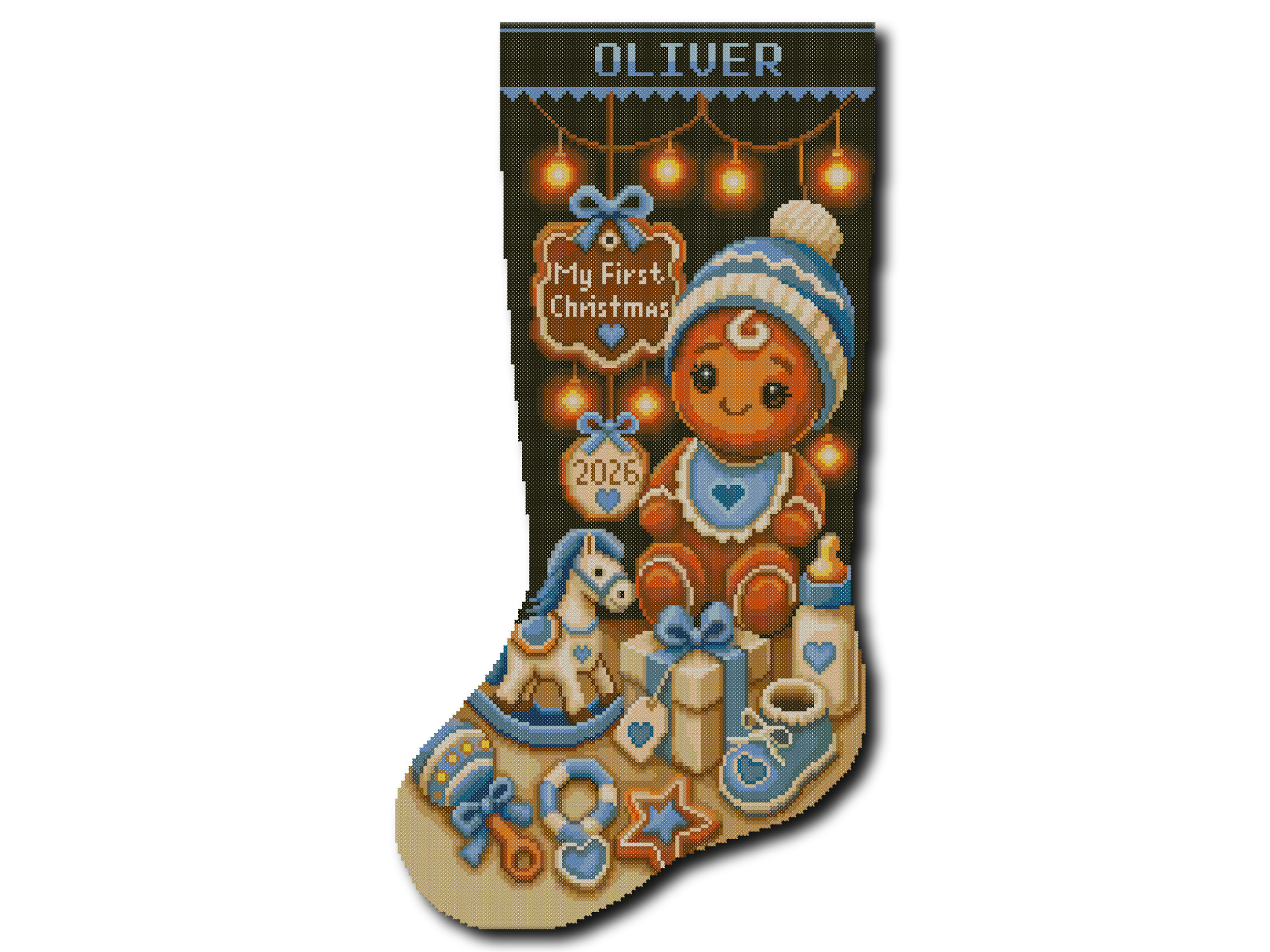
- Browse our stamped Christmas stocking cross-stitch kits if you prefer a beginner-friendly design printed directly on the fabric.
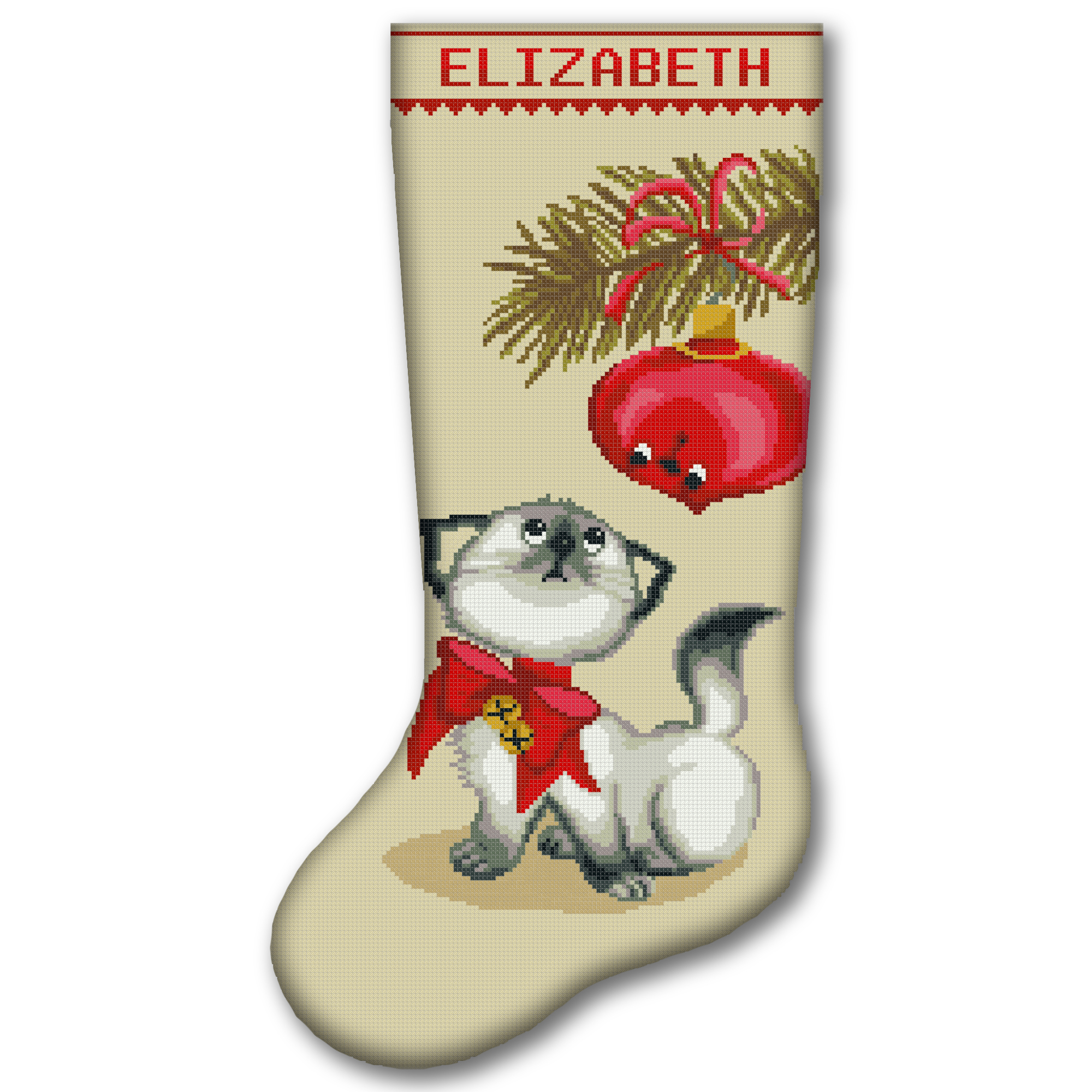
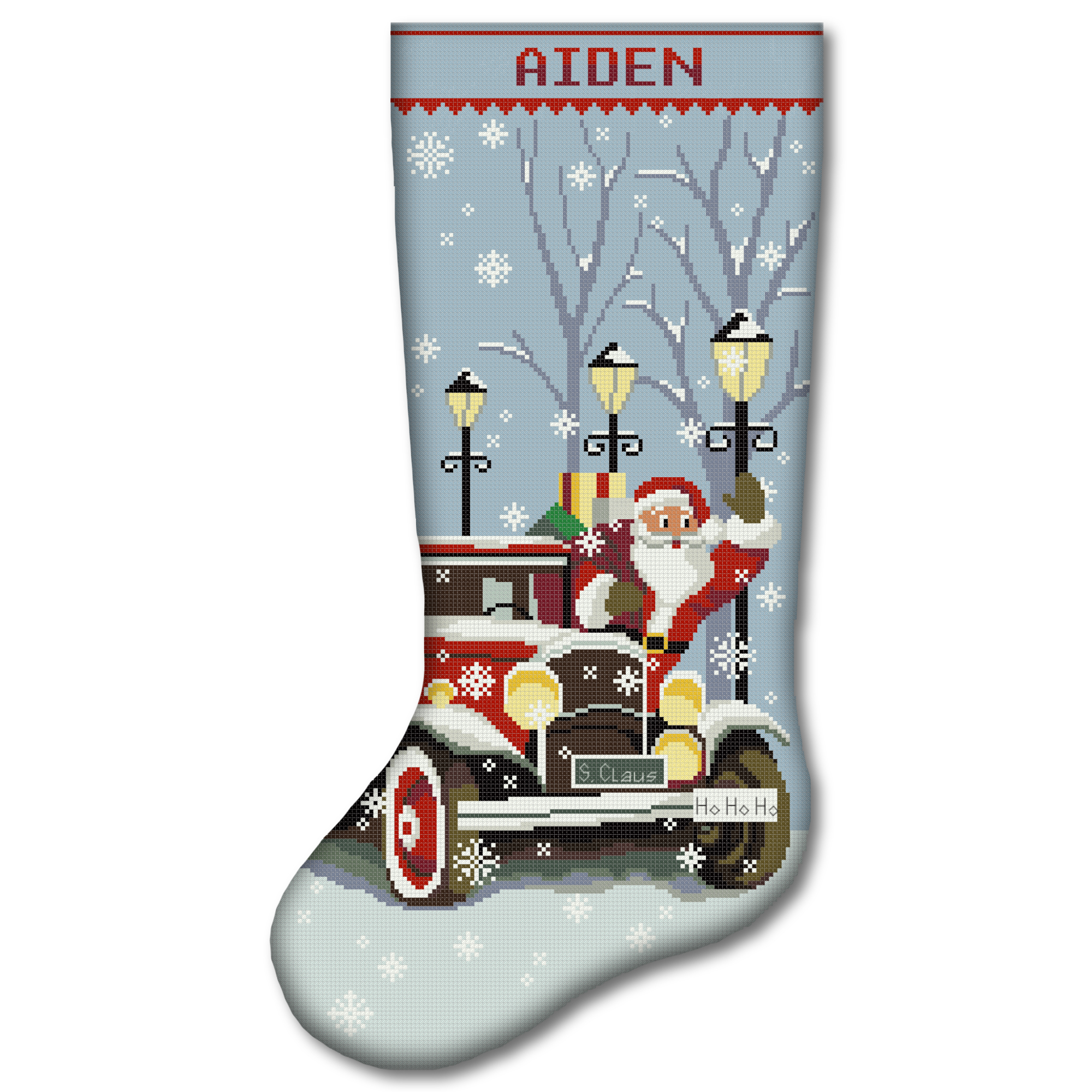
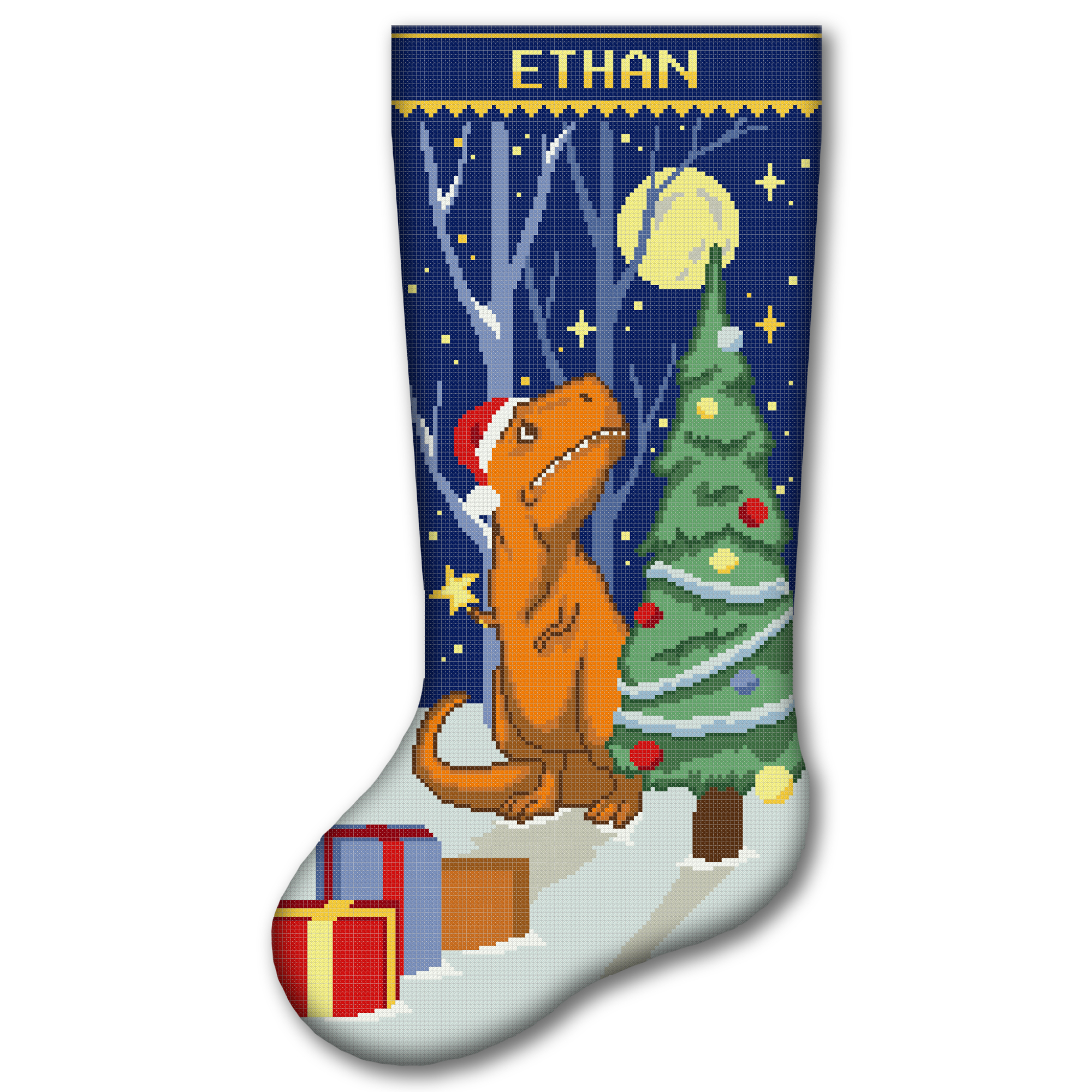
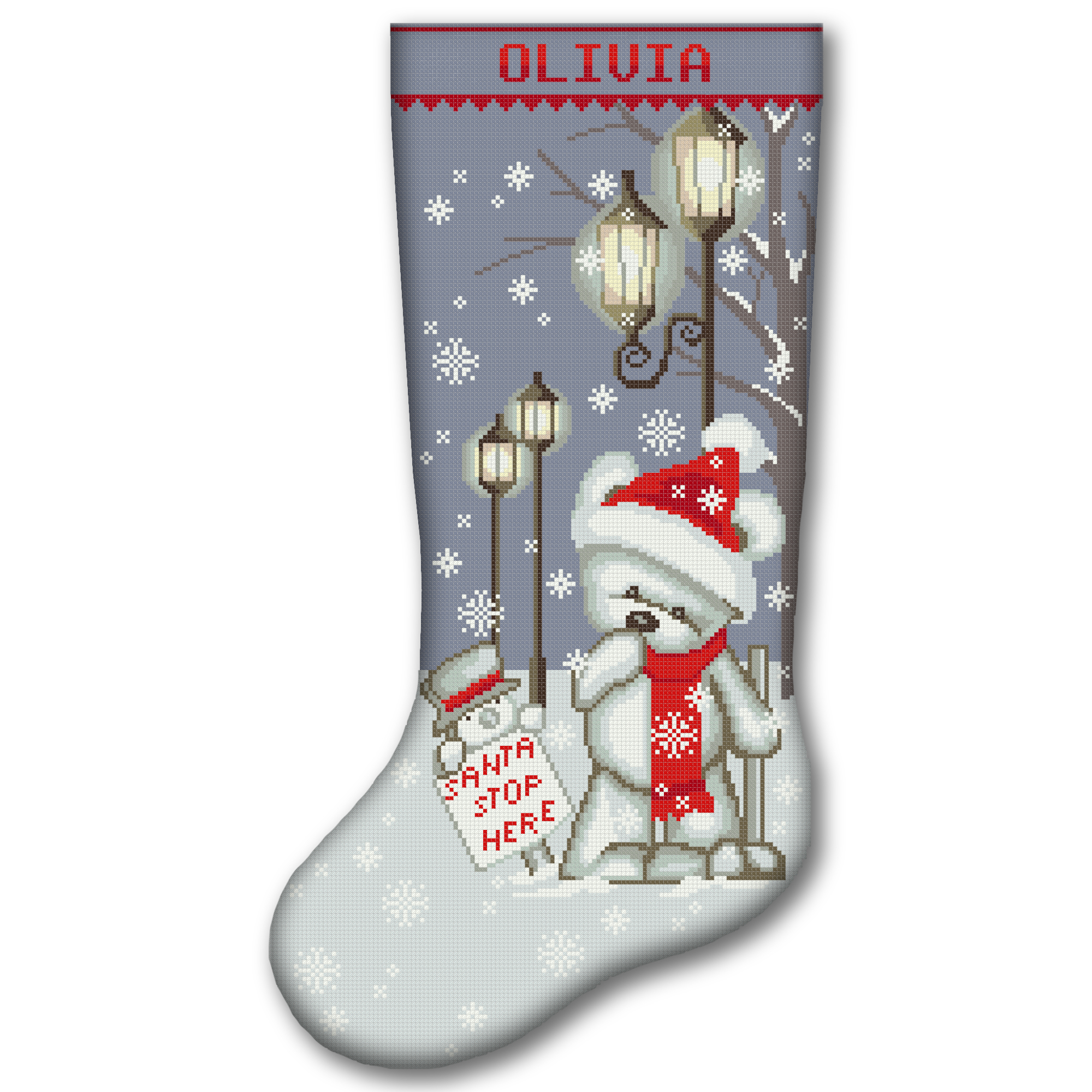
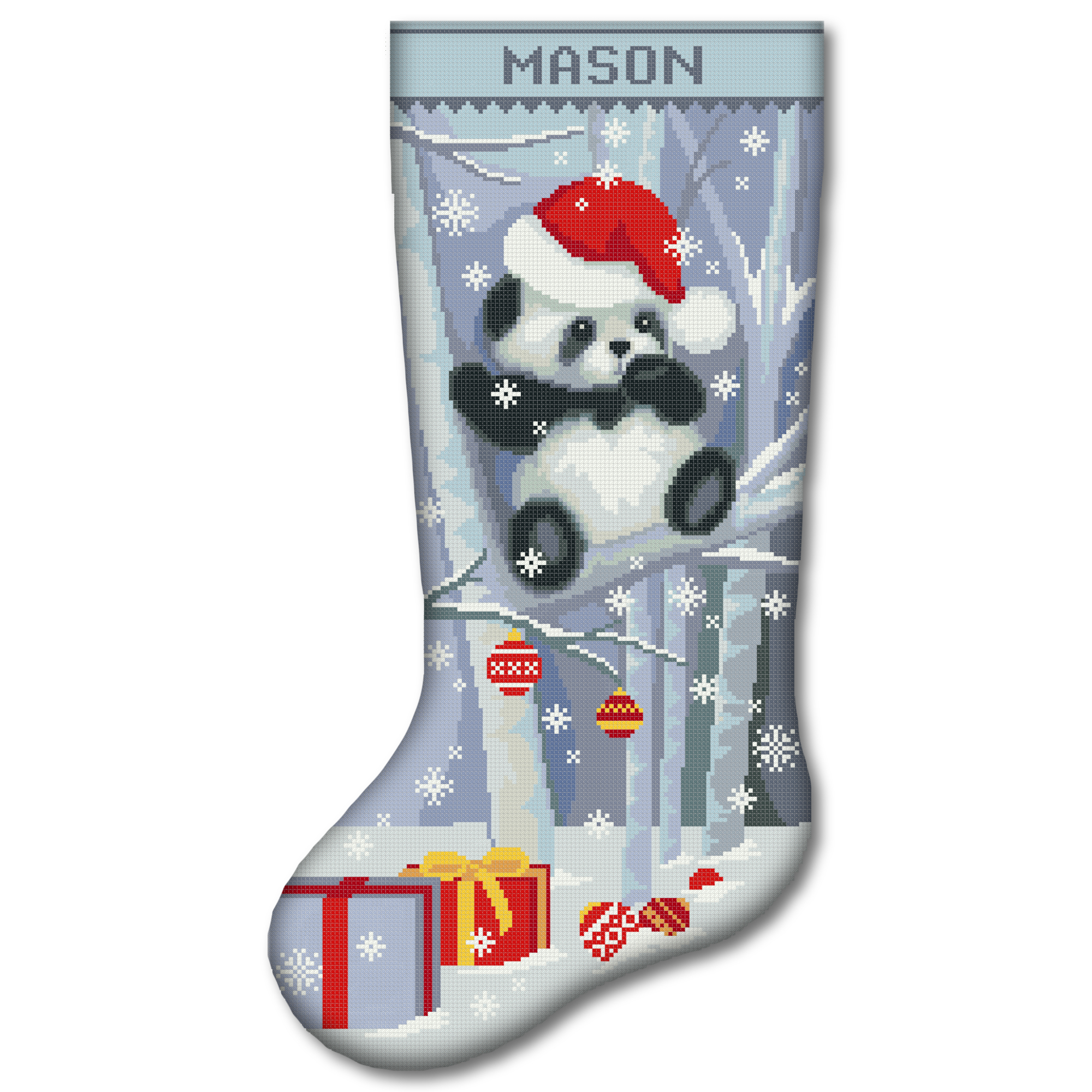
- Discover our 2-in-1 Christmas stocking cross-stitch kits if you want both stamped and counted cross-stitch options in one complete kit.
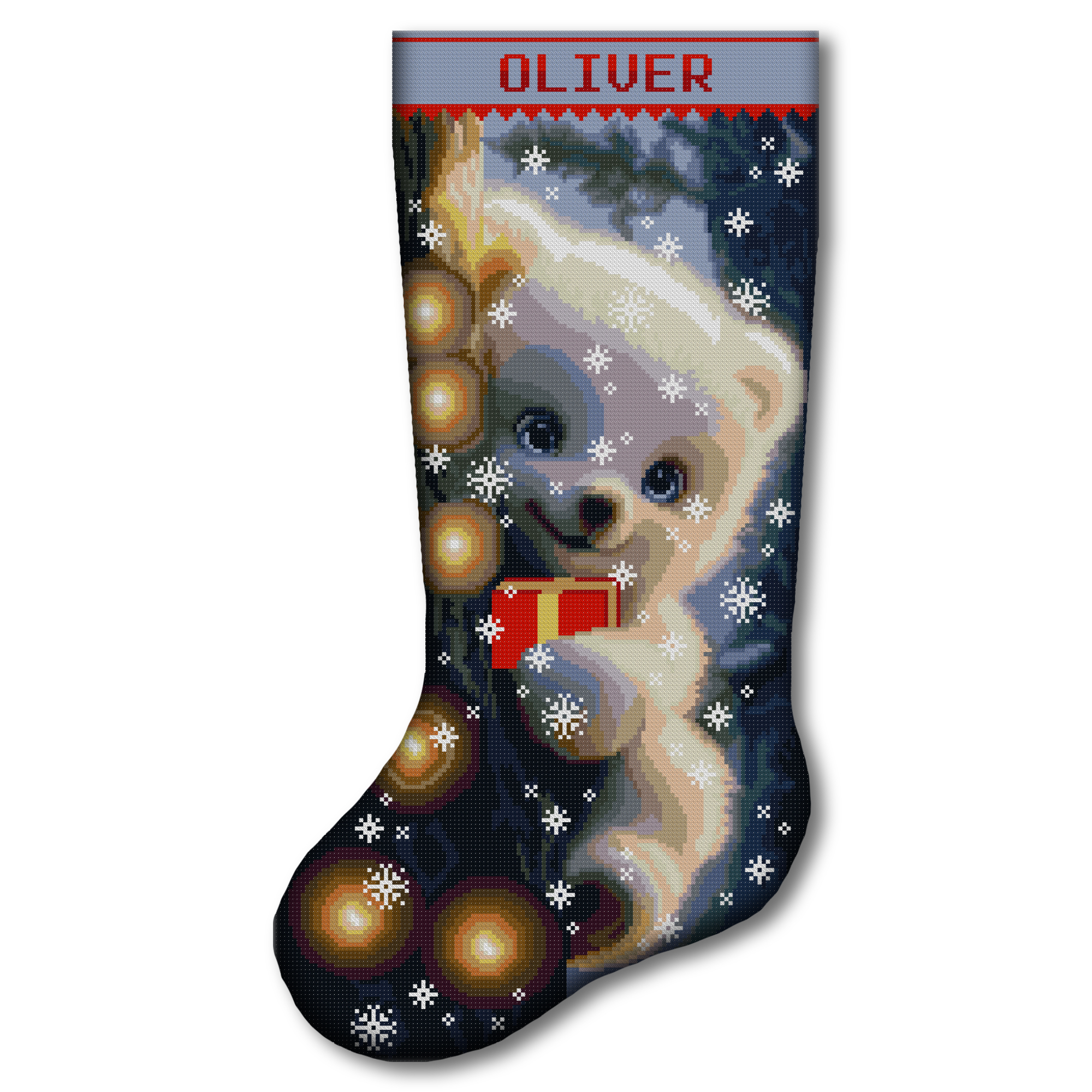
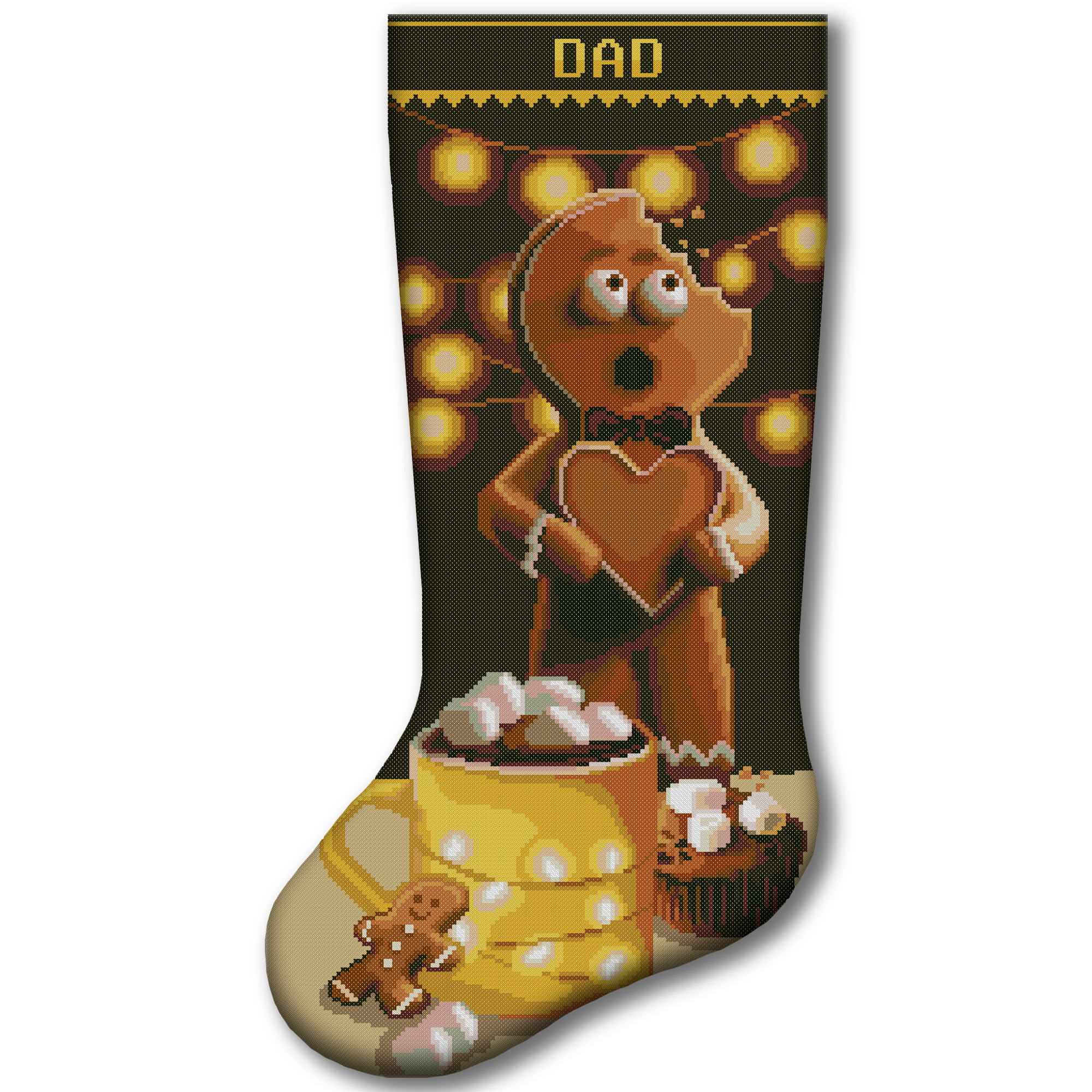
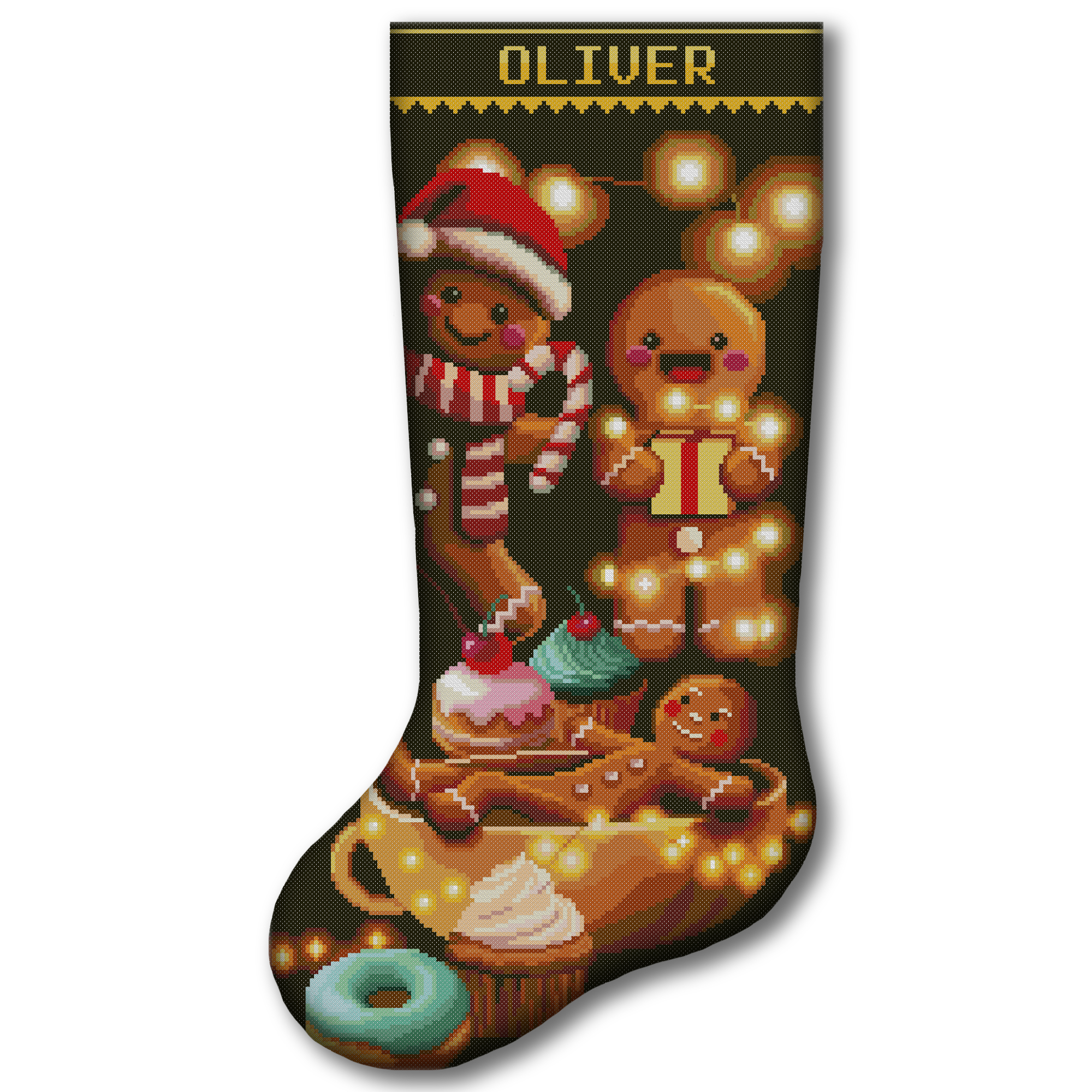
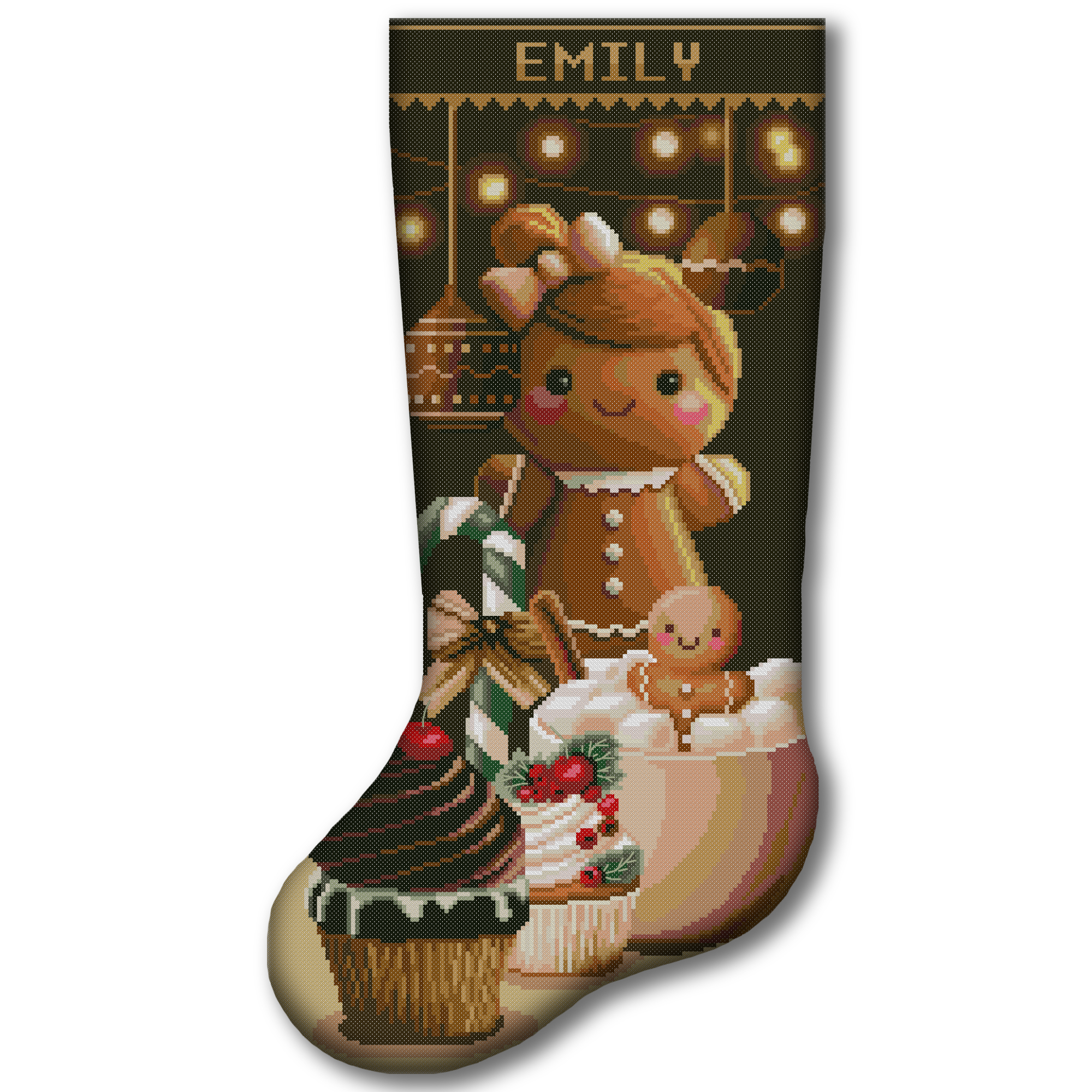
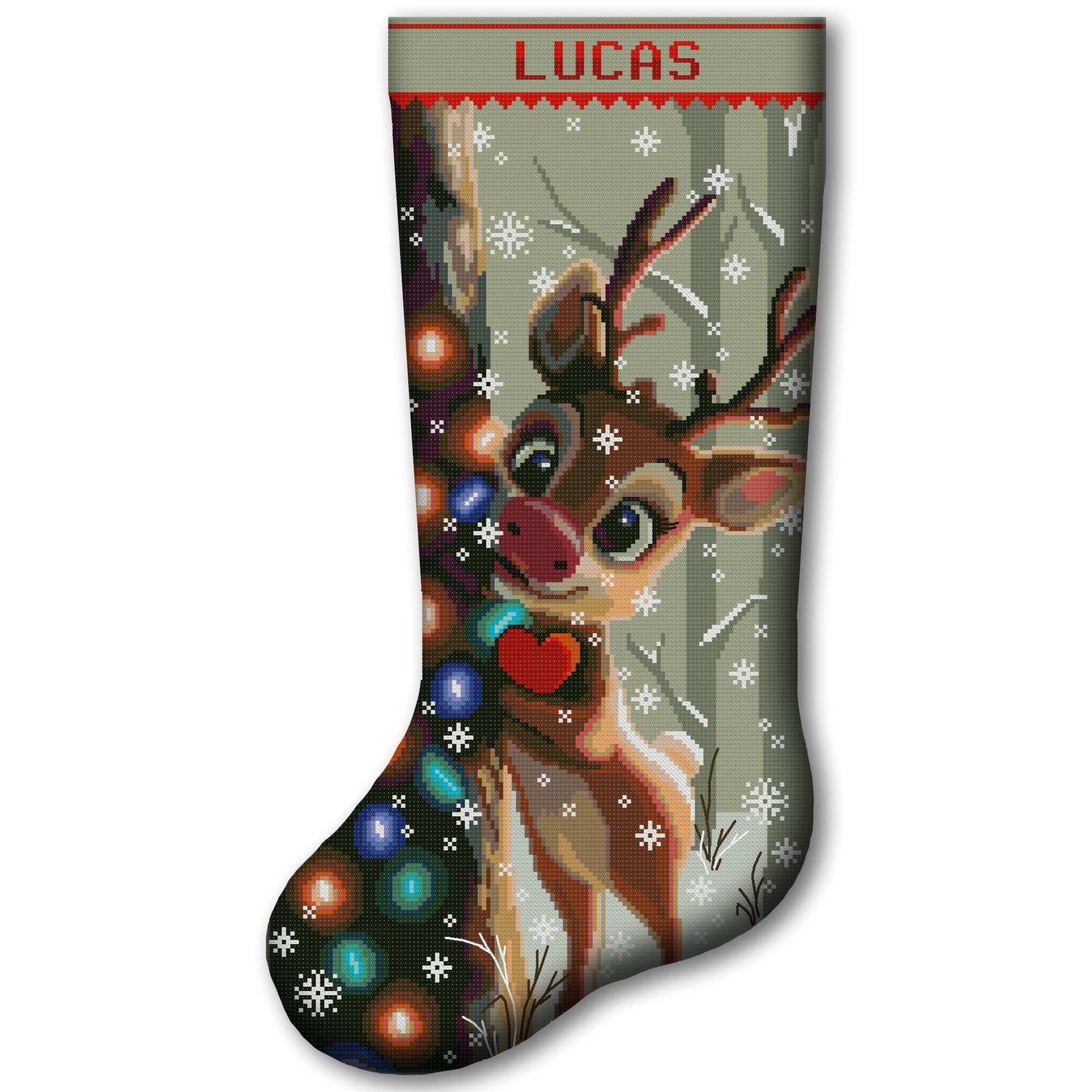
Each CrossStitchStyleArte Christmas stocking design includes an alphabet for personalization. Always use the alphabet supplied with your exact design and check its letter widths before calculating the name position.
Frequently Asked Questions
Can I Center More Than One Name?
Yes. You can enter two names with the & symbol or with the word AND.
Examples:
EMMA & LIAM
EMMA AND LIAM
Can I Center a Family Name?
Yes. You can enter a surname or a short family phrase, such as THE THOMSONS.
Can I Use a Different Cross-Stitch Alphabet?
Yes. Measure the letters in your chosen alphabet and replace the preset widths in the alphabet grid. The calculator will then use your custom measurements.
Does the Calculator Include the & Symbol?
Yes. The & symbol is included at the end of the Alphabet & Symbol Widths grid. Check its real width on your chart and change the preset number if necessary.
Why Does My Text Look Off-Center?
The most common reasons are:
- An incorrect cuff width
- An incorrect letter or symbol width
- Too much or too little letter spacing
- Incorrect word spacing
- Counting blank columns around a letter as part of its width
Check each measurement and calculate again before stitching.
Can I Use This Calculator for Other Cross-Stitch Projects?
Yes. You can use the same method to center a name or short phrase on any rectangular cross-stitch area, including ornaments, samplers, wall art, birth announcements, and personalized gifts.
Enter the usable width of the area in stitches and adjust the alphabet measurements when needed.