Cross-Stitch Floss Converter
Choose the brand you already have, then enter one color number or several numbers. The converter will show the closest listed equivalents in the other major thread brands.
Conversion Results
My Thread List
0 colors
| Color | DMC | Color name | Anchor | Madeira | COSMO | Sullivans | Remove |
|---|---|---|---|---|---|---|---|
| Your list is empty. Convert a color and choose “Add to List”. | |||||||
This free cross stitch floss converter helps you compare embroidery floss colors between DMC, Anchor, Madeira, COSMO and Sullivans. Enter one or more color codes, review the closest listed references, create your list and download it as a PDF.
Need a thread color from a different brand? This free cross stitch floss converter helps you compare embroidery floss numbers between DMC, Anchor, Madeira, COSMO and Sullivans. Choose the brand named in your pattern or printed on your thread label, enter one color code or several codes, and view the closest listed references in the other supported brands.
You can start with any of the five brands, not only DMC. Save the colors you need to a personal list, then download a clear A4 PDF for your project folder or shopping trip. The converter is free to use, and no email address is required.
How to Use the Cross Stitch Floss Converter
- Choose your starting brand. Select DMC, Anchor, Madeira, COSMO or Sullivans.
- Enter the color code. Type one number or add several codes separated by commas, spaces or new lines. For DMC, you may also enter B5200, BLANC or ECRU.
- Select “Convert Colors.” The tool will search its reference table and display the closest listed colors in the other brands.
- Check the results. Review the DMC color name, the approximate color square and every available brand number.
- Build your list. Choose “Add to List” for one color or “Add All to List” for all displayed results.
- Download your PDF. When your list is ready, select “Download PDF” to save it directly to your device.
The converter accepts up to 100 entries in one search and removes repeated codes automatically. Use “Clear” when you want to start a new search. Your saved thread list remains on the same device until you remove its colors or clear the list.
Why Use a Cross Stitch Floss Converter?
A cross stitch pattern may list DMC colors while your local craft shop sells Anchor or Madeira. You may also have COSMO or Sullivans floss left from another project. A converter helps you check those threads before buying more.
- Compare five popular embroidery floss brands in one place.
- Convert from any supported brand, not only from DMC.
- Enter one color or a complete group of colors.
- See when one number has more than one possible reference.
- Build a simple thread list for a pattern or shopping trip.
- Download a printable PDF without entering an email address.
- Use the tool on a computer, tablet or phone.
This can make project planning faster and may help you use floss already in your stash. You still need to compare real threads when a precise shade is important.
Convert DMC, Anchor, Madeira, COSMO and Sullivans Colors
The converter works in both directions. For example, you can begin with DMC and look for another brand, or start with an Anchor, Madeira, COSMO or Sullivans number and find the related DMC reference.
- DMC to Anchor, Madeira, COSMO and Sullivans
- Anchor to DMC, Madeira, COSMO and Sullivans
- Madeira to DMC, Anchor, COSMO and Sullivans
- COSMO to DMC, Anchor, Madeira and Sullivans
- Sullivans to DMC, Anchor, Madeira and COSMO
Some brands reuse one number for more than one similar shade. When this happens, the tool shows every possible reference row instead of choosing one silently. Check the color name, your pattern and the real skeins before deciding which option to stitch.
Are Cross-Brand Floss Conversions Exact?
No. Different thread companies use different dyes, fibers and production methods. Two numbers can be the closest listed references and still look slightly different beside each other. This tool provides closest listed reference matches, not a promise that two skeins are identical.
Screen colors are also approximate. A phone, monitor or printer can make a shade look lighter, darker, warmer or cooler. For portraits, skin tones, gradients, large blocks of one color or any project where the shade must be exact, compare real skeins or physical color cards in natural light.
If a brand number is missing, no reliable reference is listed in the converter’s data for that color. It is safer to show an empty result than to invent a match.
What Is Included in the Downloadable PDF?
Your PDF is designed to be clear on a screen and easy to print on A4 paper. It includes:
- The CrossStitchStyleArte logo.
- An approximate color square.
- The DMC number and DMC color name.
- The closest listed Anchor, Madeira, COSMO and Sullivans numbers.
- The date and number of saved colors.
- Clear table headings and page numbers.
- A reminder that cross-brand colors may not be identical.
- Clickable links and a QR code for more free cross stitch tools.
The file downloads directly to your device. Keep it beside your pattern, print it for a project folder, or open it while shopping for embroidery floss.
Plan the Rest of Your Cross Stitch Project
Choosing colors is only one part of preparing a project. Visit the free cross stitch calculators and tools hub to find all our planning tools in one place.
- Use the Cross Stitch Thread Calculator to calculate the meters, yards and skeins needed for one color.
- Use the Cross Stitch Floss Usage Calculator to check whether the thread already in your stash is enough.
- Use the Cross Stitch Fabric Size Calculator to turn the chart’s stitch count into fabric measurements and add margins.
- Use the Cross Stitch Time Calculator and Planner to estimate stitching hours and create a practical schedule.
- Use the Christmas Stocking Name Centering Calculator to position a name or short phrase evenly on a stocking cuff.
Helpful Cross Stitch Guides for Beginners
If you are new to cross stitch, begin with our step-by-step guide to starting cross stitch. It explains the basic supplies, fabric, needle, floss and first stitches in simple language.
Before stitching from a chart, learn how to read a cross stitch pattern. You will see how grids, symbols and color keys work. You can also check how many strands of floss to use for different Aida counts.
Making a holiday project? Follow our complete guide on how to cross stitch a Christmas stocking, or visit the Christmas stocking cross stitch guides for help with planning, personalization, stitching and finishing.
Find Your Next Cross Stitch Project
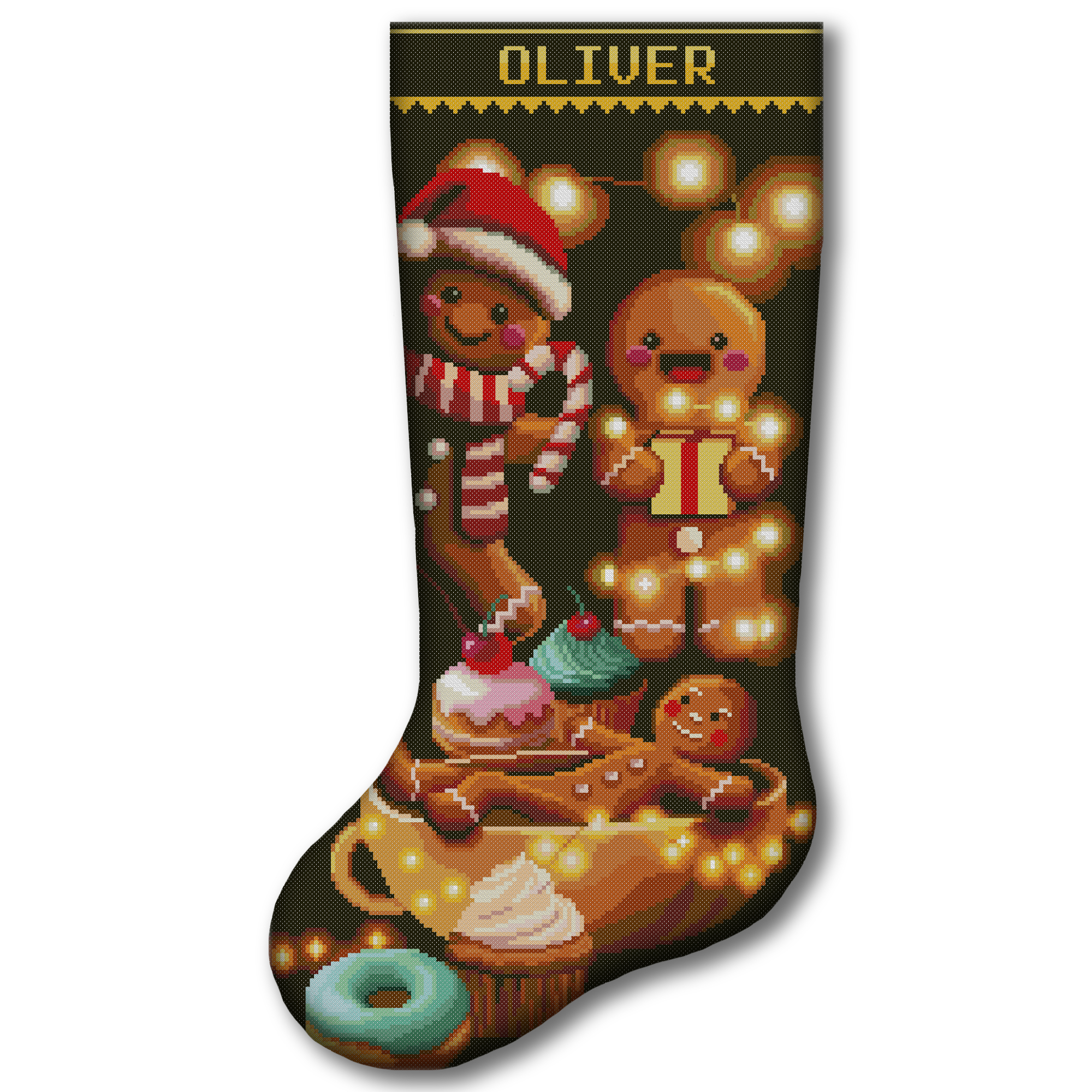
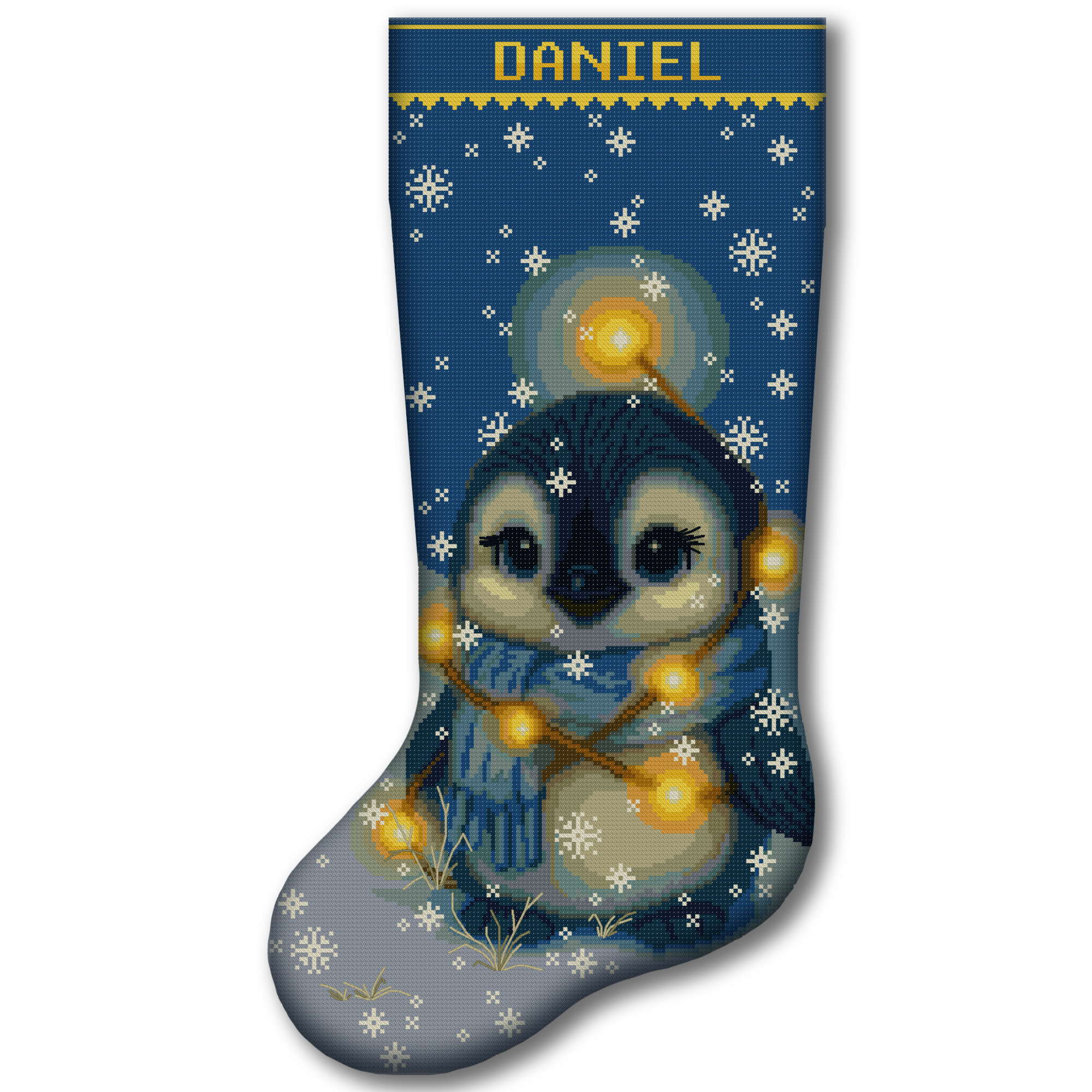
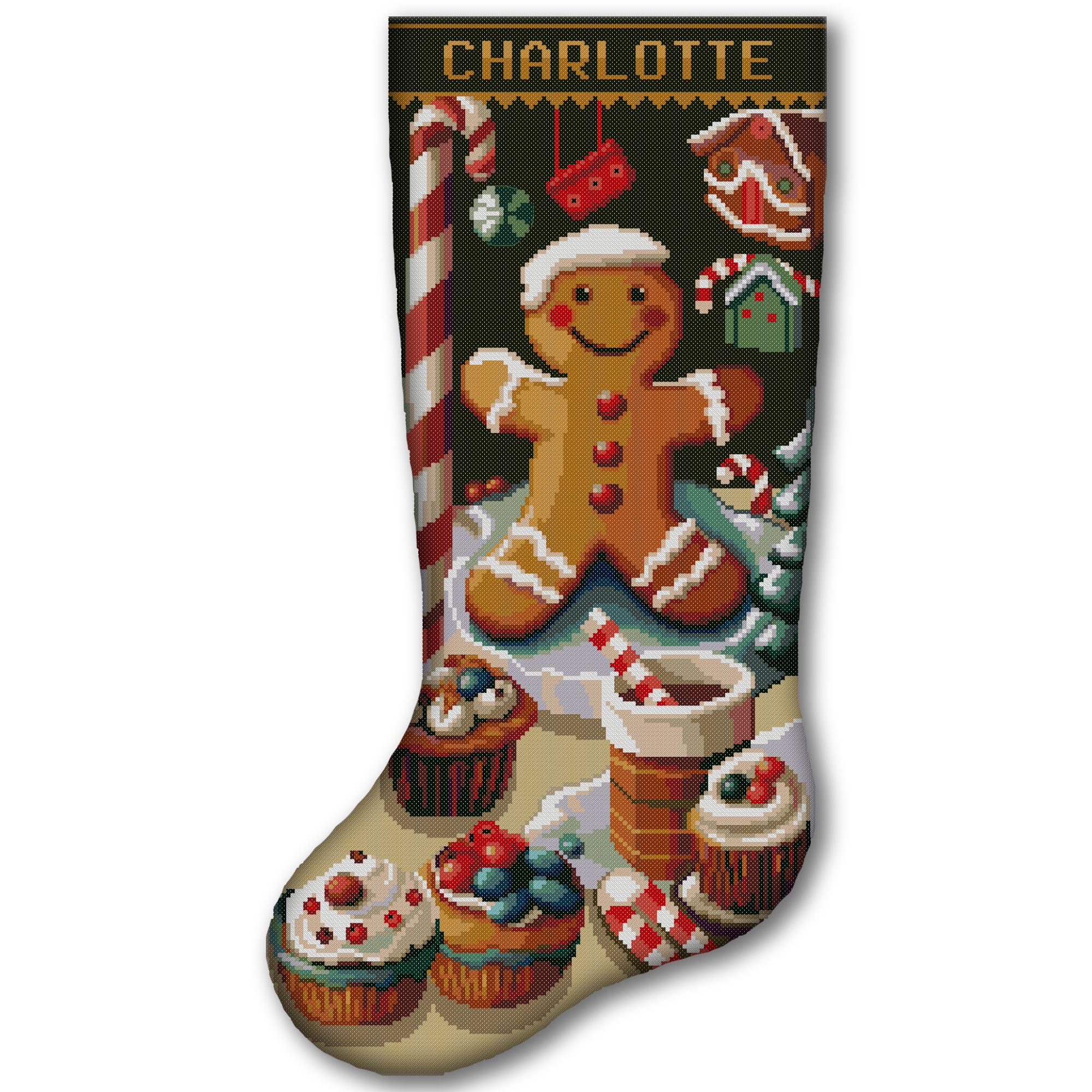
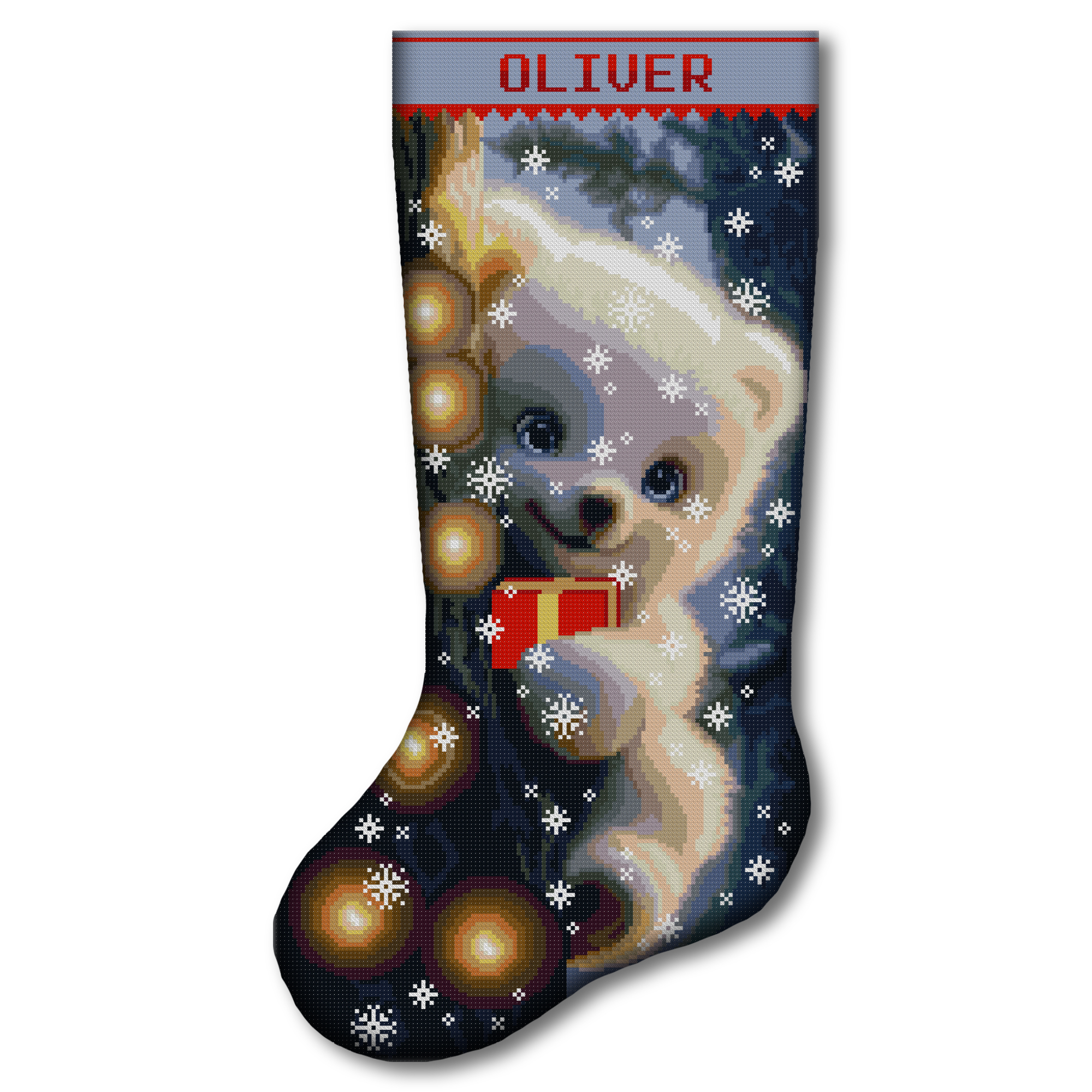
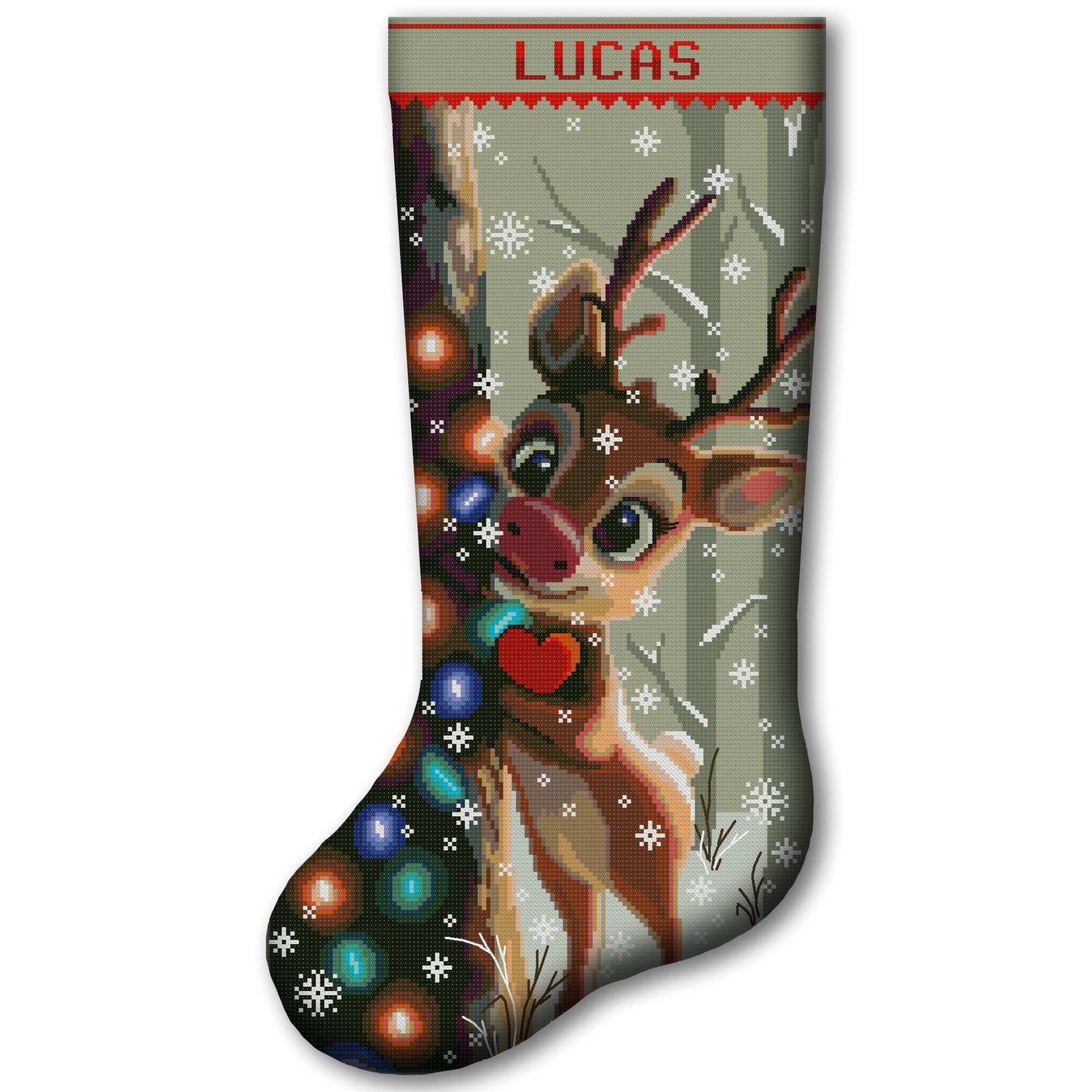
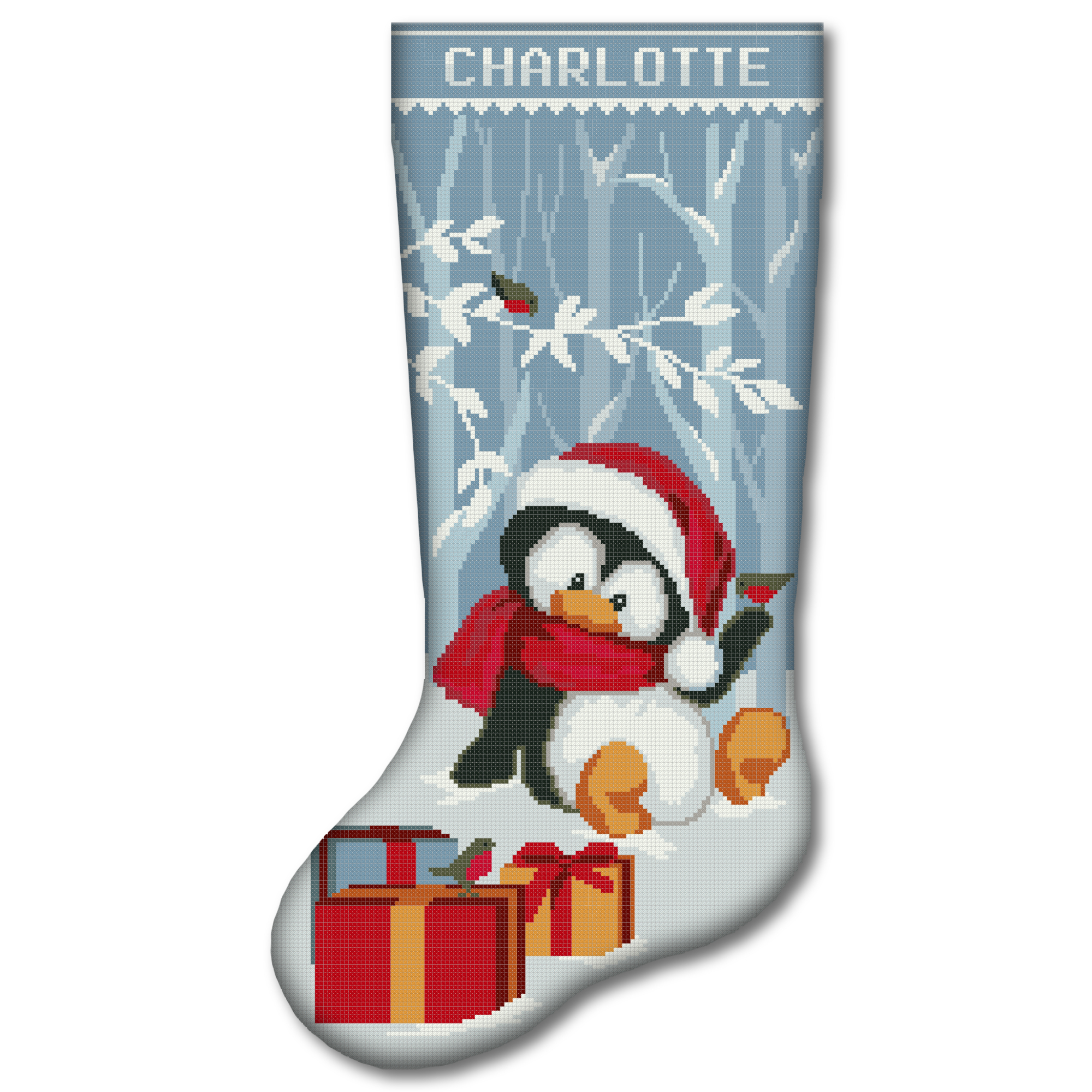
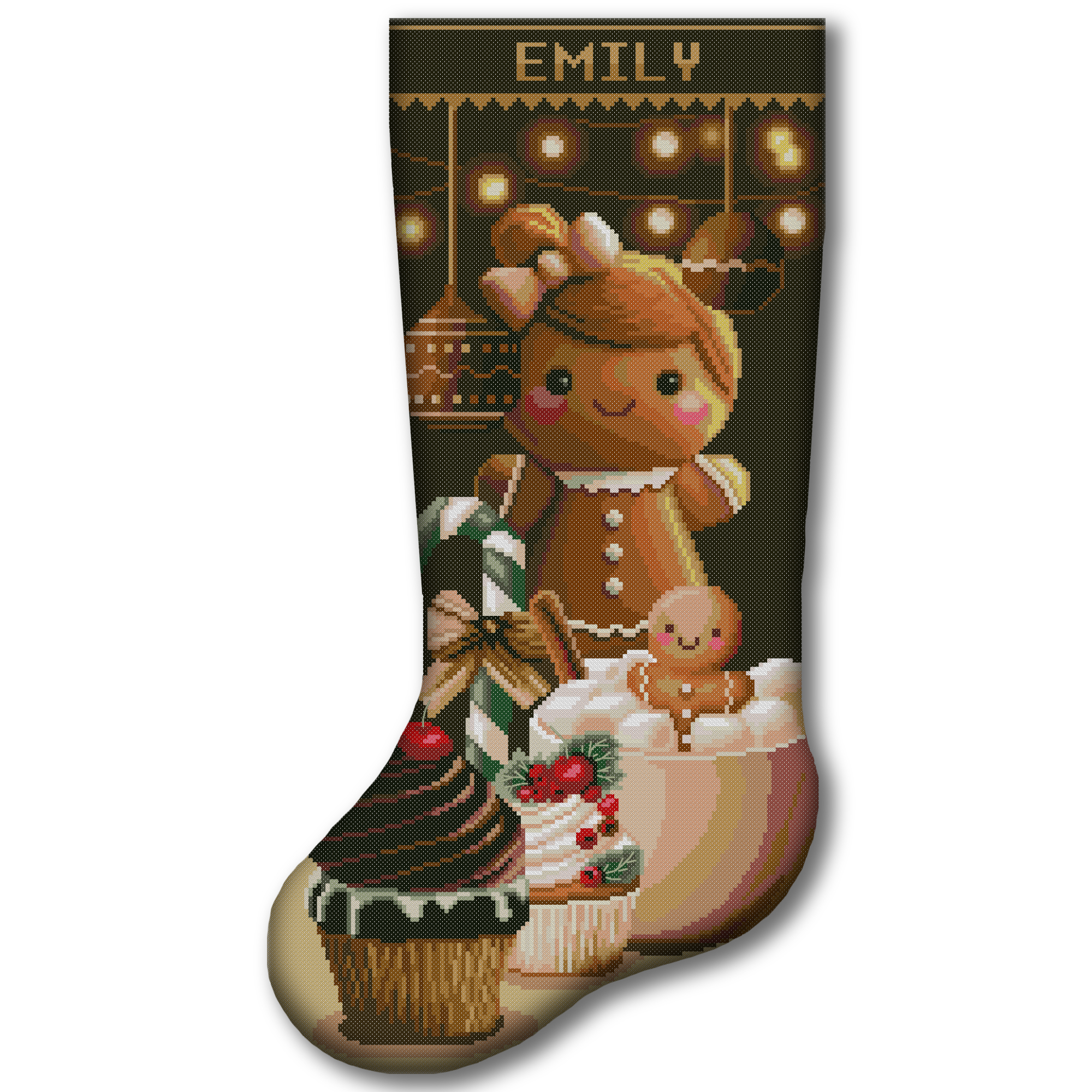
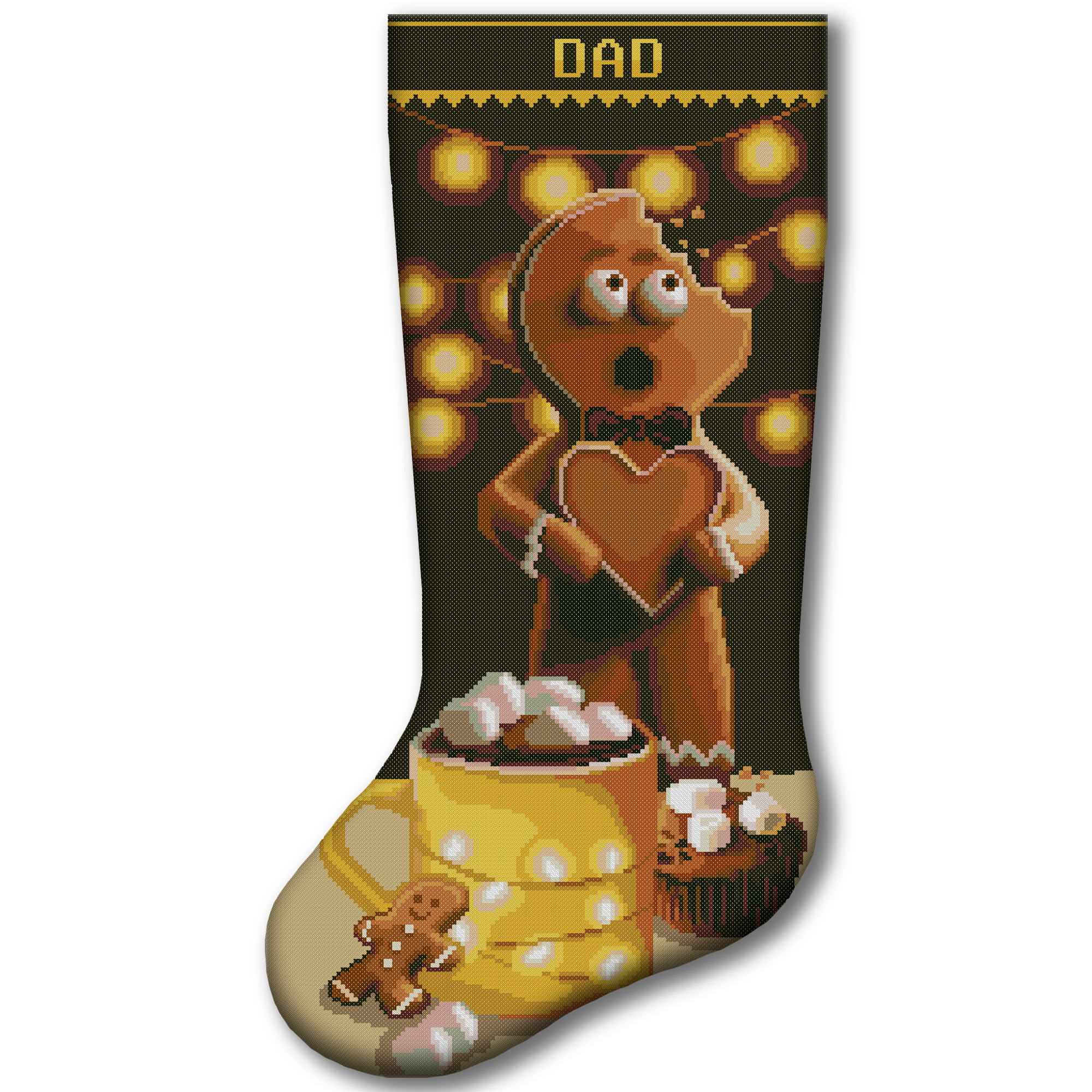
Once your colors, fabric and thread amounts are planned, choose a design you will enjoy making. Explore our Christmas stocking cross stitch patterns for downloadable counted PDF designs. Digital patterns are a good choice when you already have fabric and floss or want to choose every material yourself.

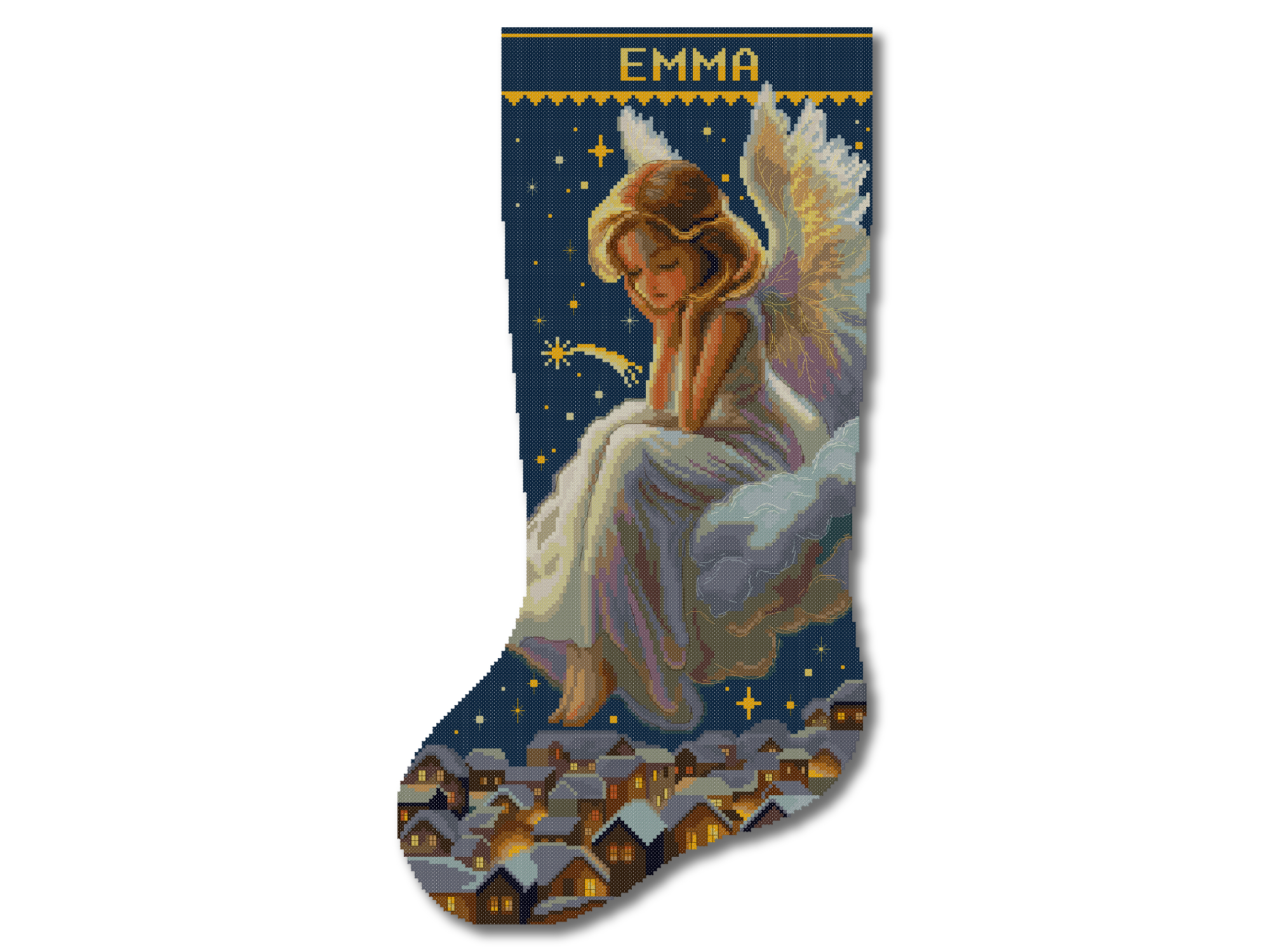

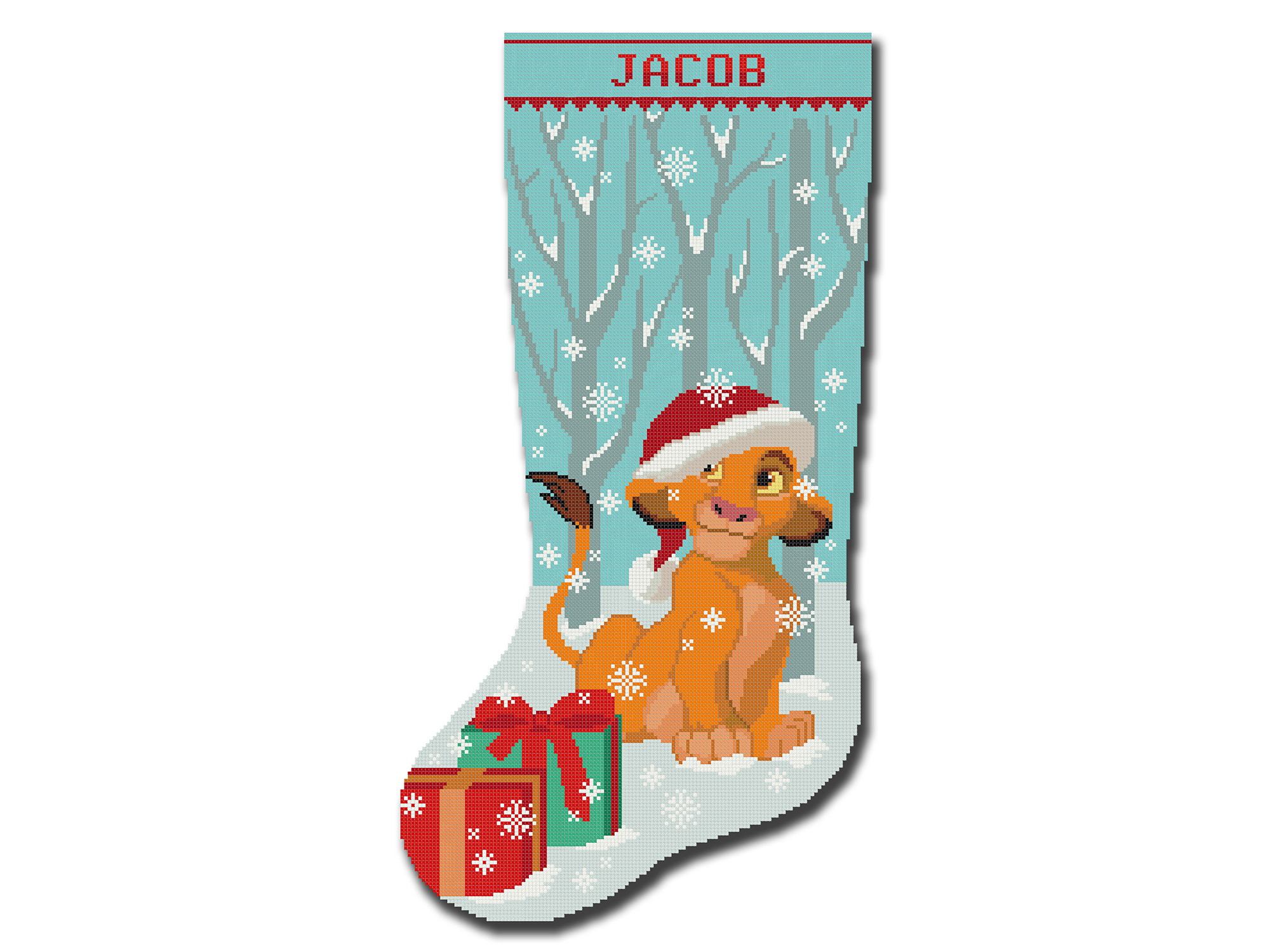

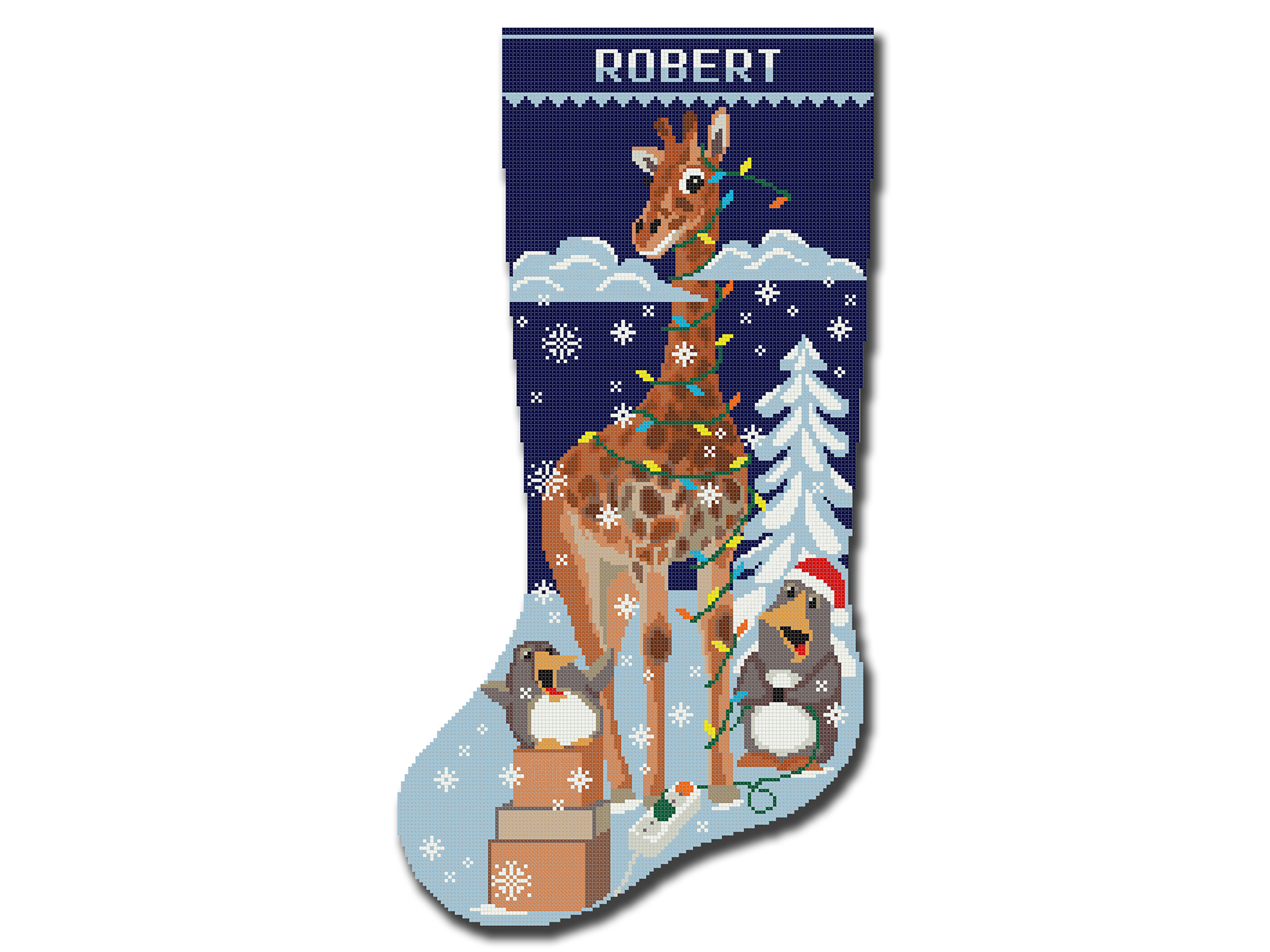
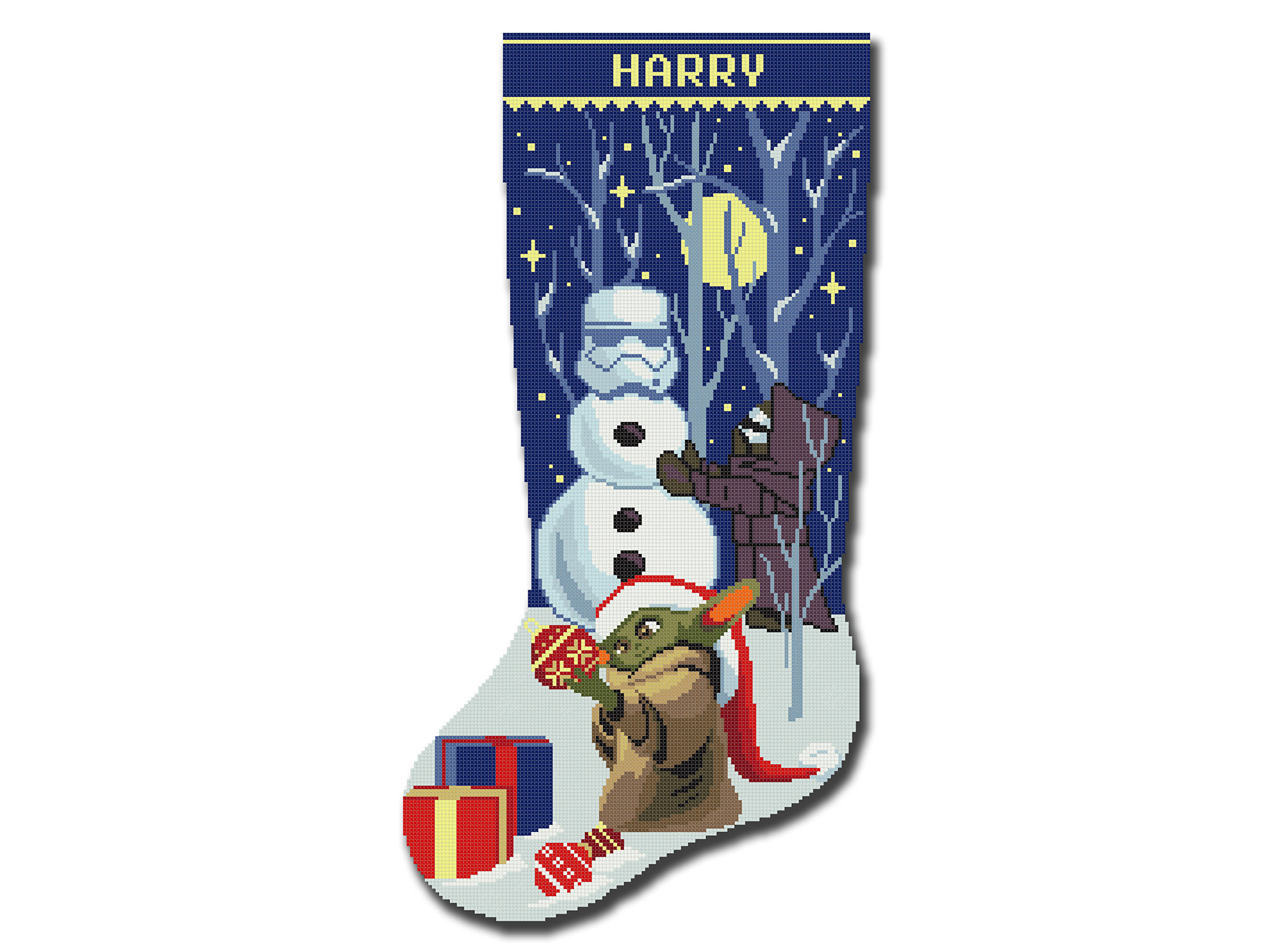
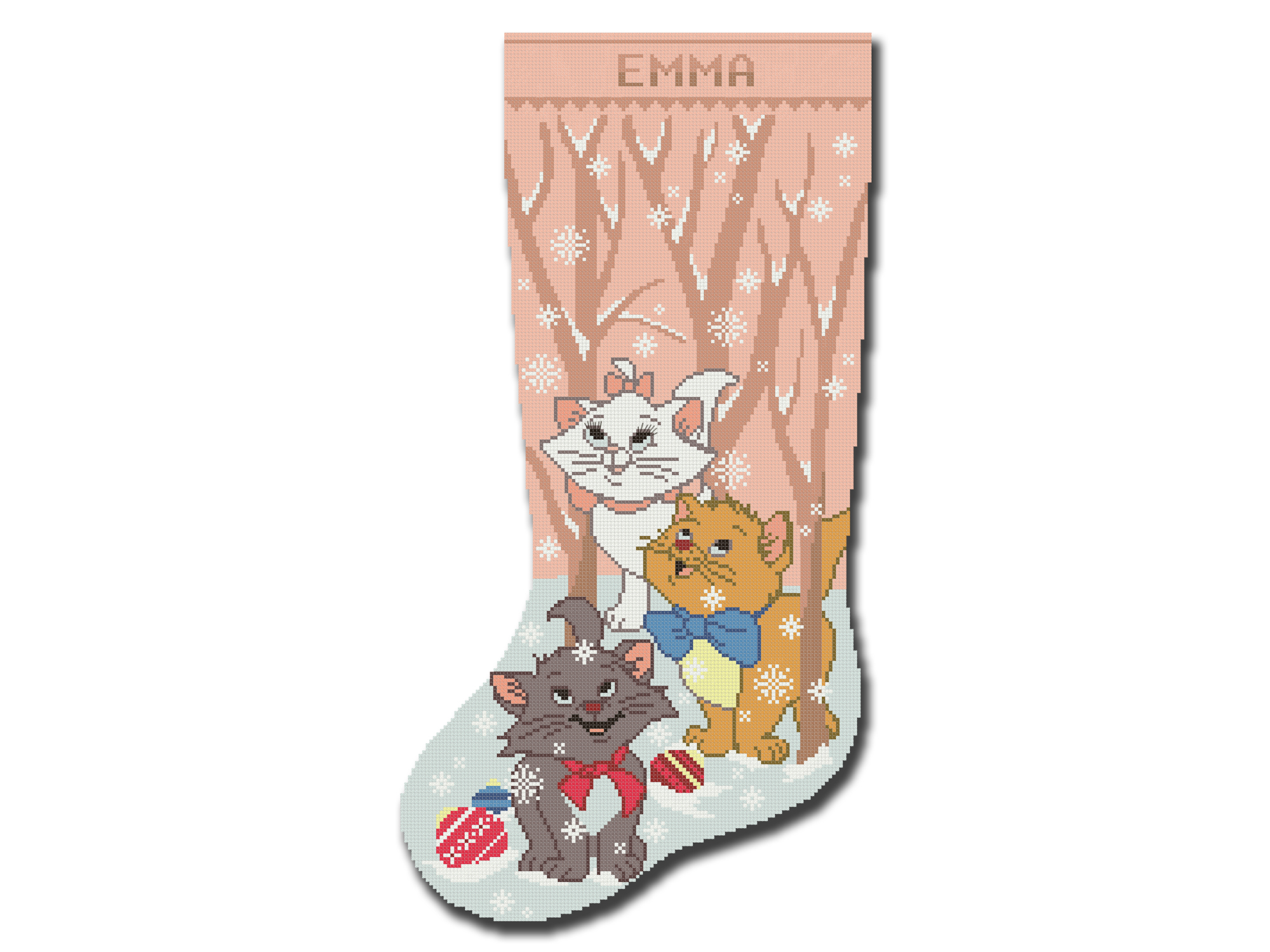

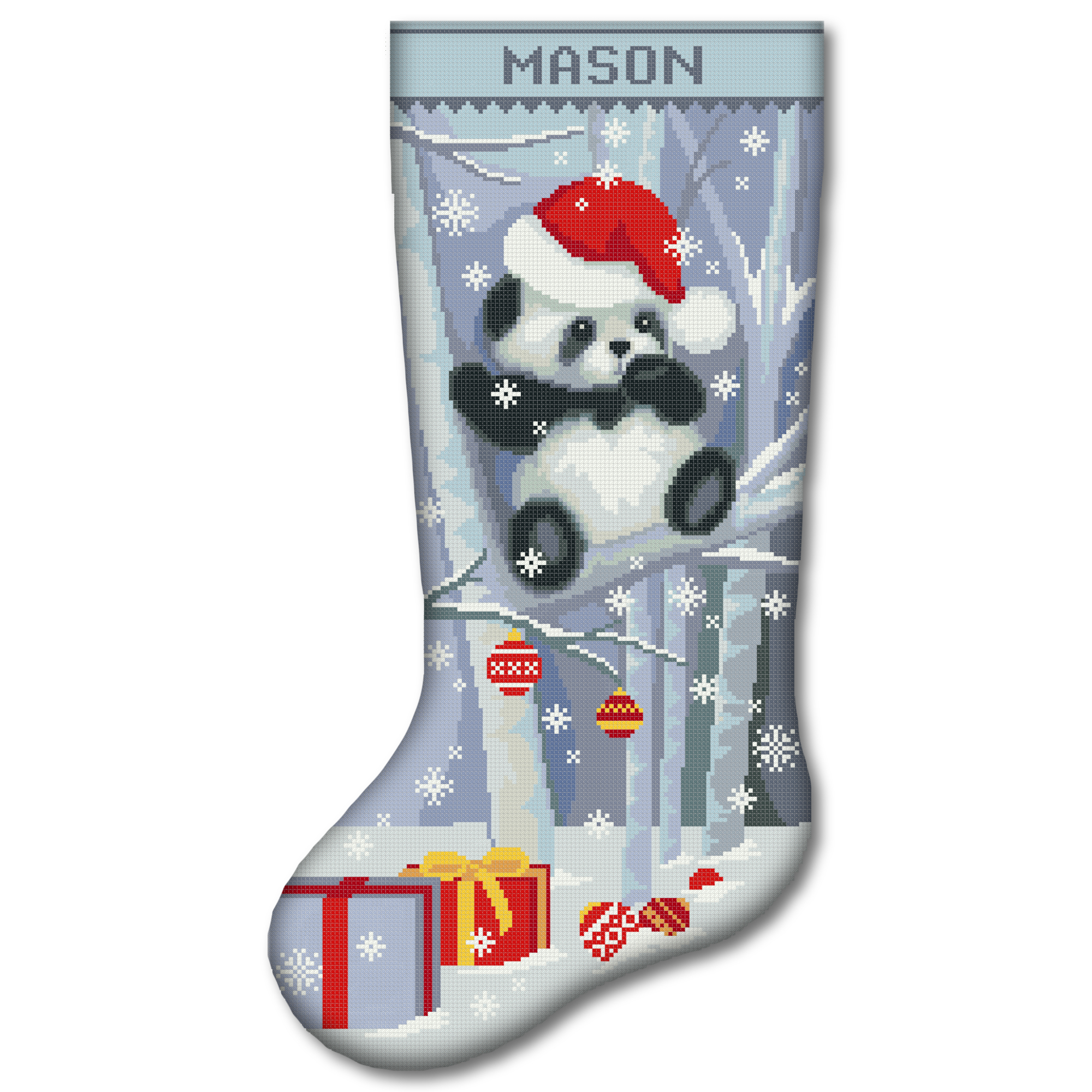
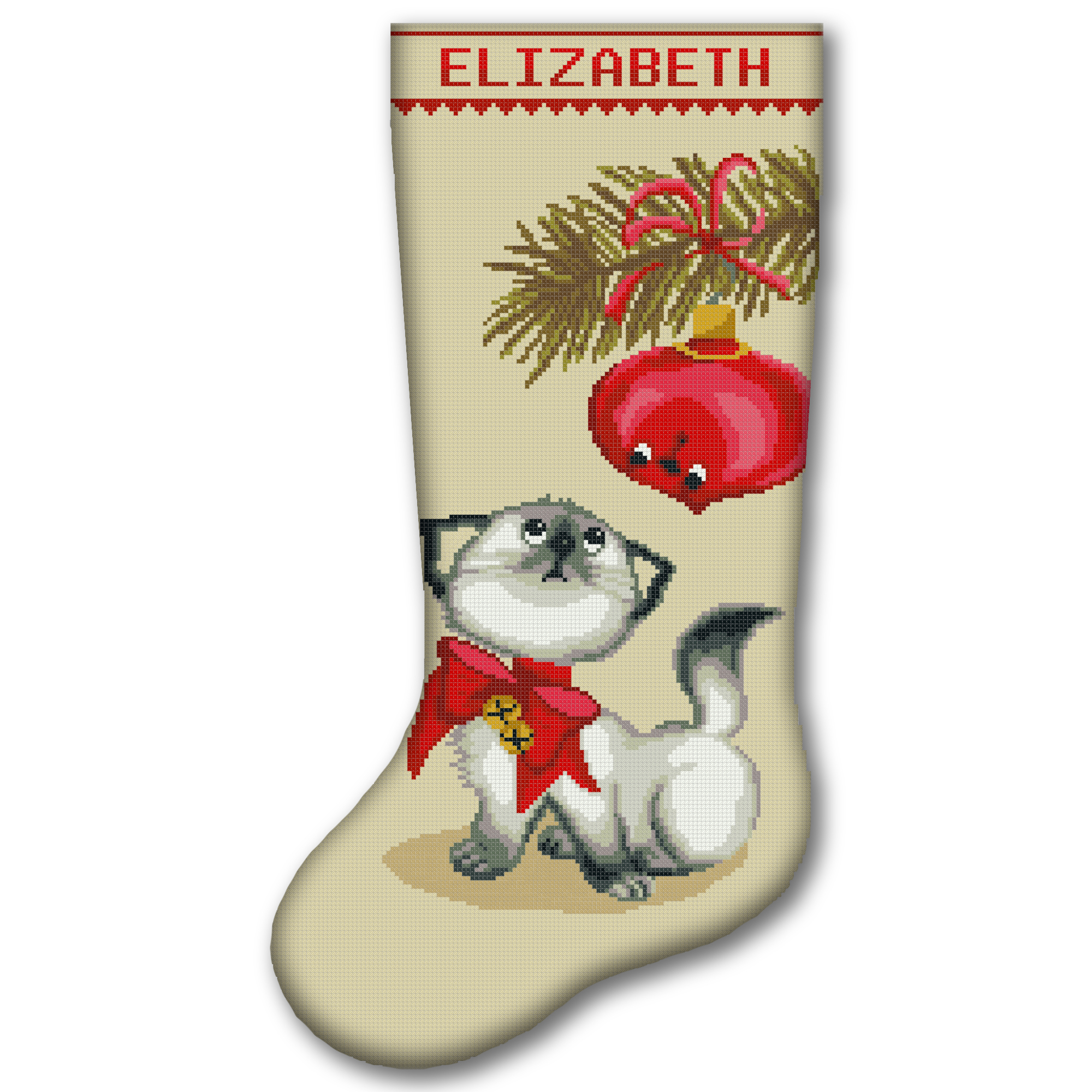
Prefer to receive the main supplies together? Browse our Christmas stocking cross stitch kits, including beginner-friendly stamped and 2-in-1 options. Personalized stocking designs can become handmade keepsakes for children, couples and families.
Cross Stitch Floss Converter FAQ
Can I convert Anchor to DMC?
Yes. Choose Anchor as the starting brand, enter the Anchor number and select “Convert Colors.” The results will show the related DMC reference and any available Madeira, COSMO and Sullivans numbers.
Can I enter several thread numbers at once?
Yes. Separate the codes with commas, spaces or new lines. You can enter up to 100 codes in one search, and repeated codes are removed automatically.
Why do I sometimes see two possible matches?
One number from a brand can be linked to more than one DMC reference. The converter displays every possible row so you can compare them instead of receiving an arbitrary answer.
Why is a brand number missing?
Not every shade has a reliable listed reference in every brand. A blank result means that the converter does not have a dependable number for that color and brand.
Can I use this converter on a phone or tablet?
Yes. The converter works on desktop computers, tablets and mobile phones. The results and saved thread list adapt to smaller screens.
Is the PDF free?
Yes. Add your chosen colors to the list and select “Download PDF.” The A4 file downloads directly without requiring an email address.